Settlements and remittance schedule
Choose how often Crate sweeps your wallet balance to your bank — manually, daily, weekly or monthly — and set a minimum balance so small amounts roll over.
A settlement (also called remittance) is Crate sweeping the money in your wallet across to your linked bank account. Instead of paying out every single transaction one at a time, Crate batches your balance and settles it on the rhythm you choose.
Choosing a cadence
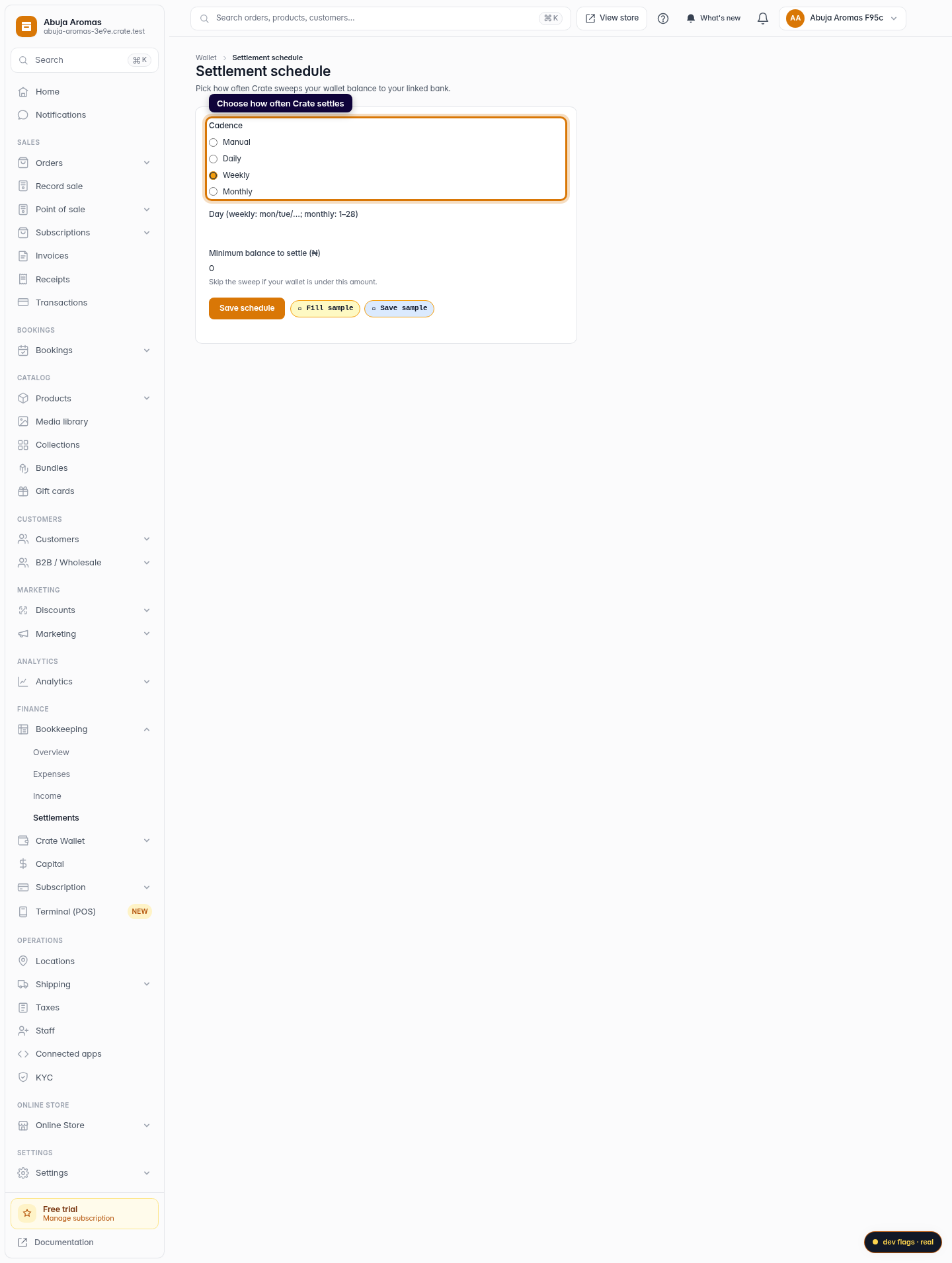
- Manual — nothing is swept automatically; you trigger a payout when you want one.
- Daily — your available balance is settled every day.
- Weekly — settled once a week on the weekday you name.
- Monthly — settled once a month on the date you name (1–28).
The minimum balance
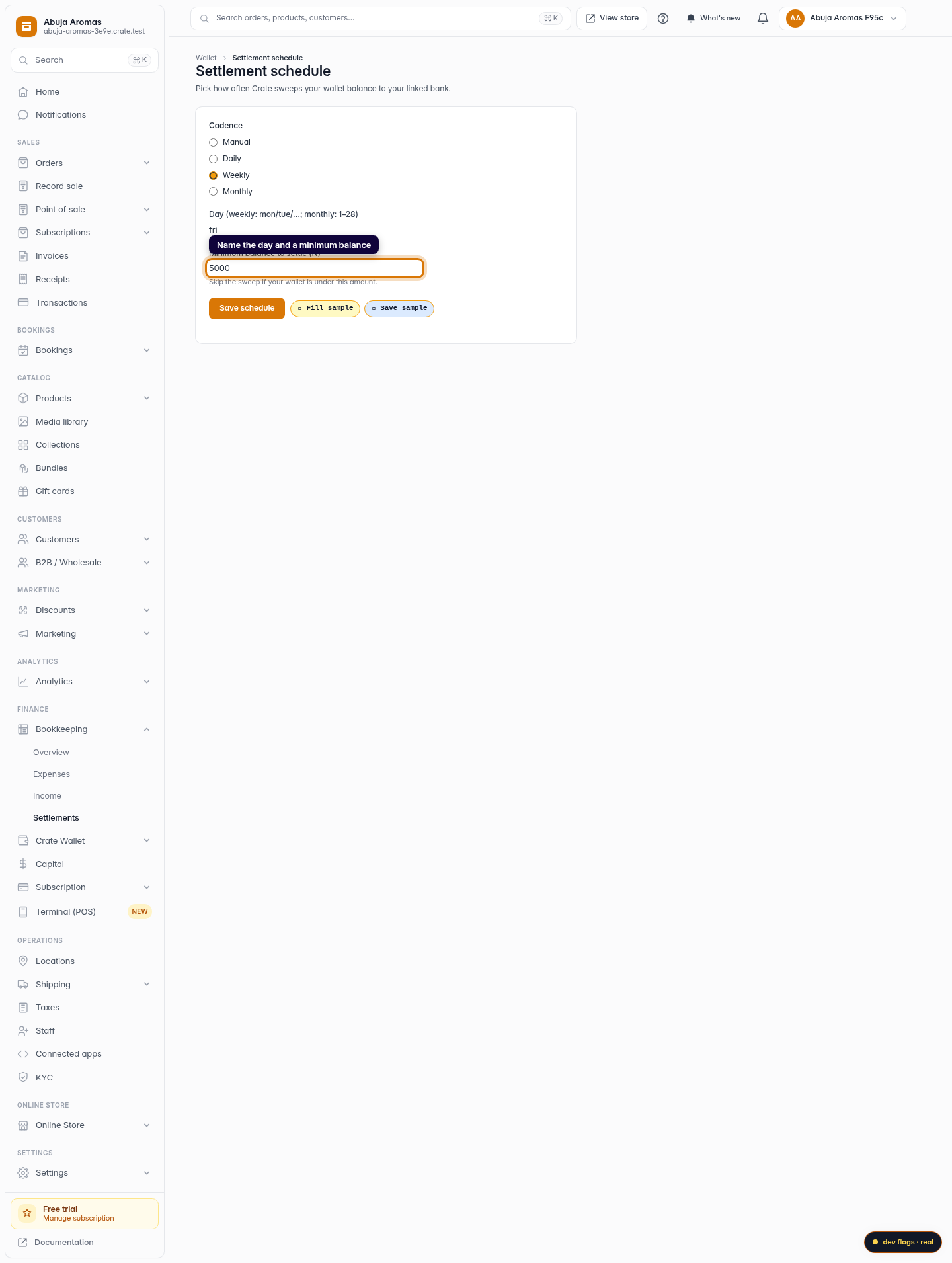
Set a minimum balance to avoid trickle payouts. If your wallet is under that amount when a sweep is due, Crate holds the balance and rolls it into the next run. Leave it at zero to settle whatever is available.
Tip: Make sure your bank account is verified before relying on automatic settlements — an unverified account has nowhere to receive the sweep.
-
1
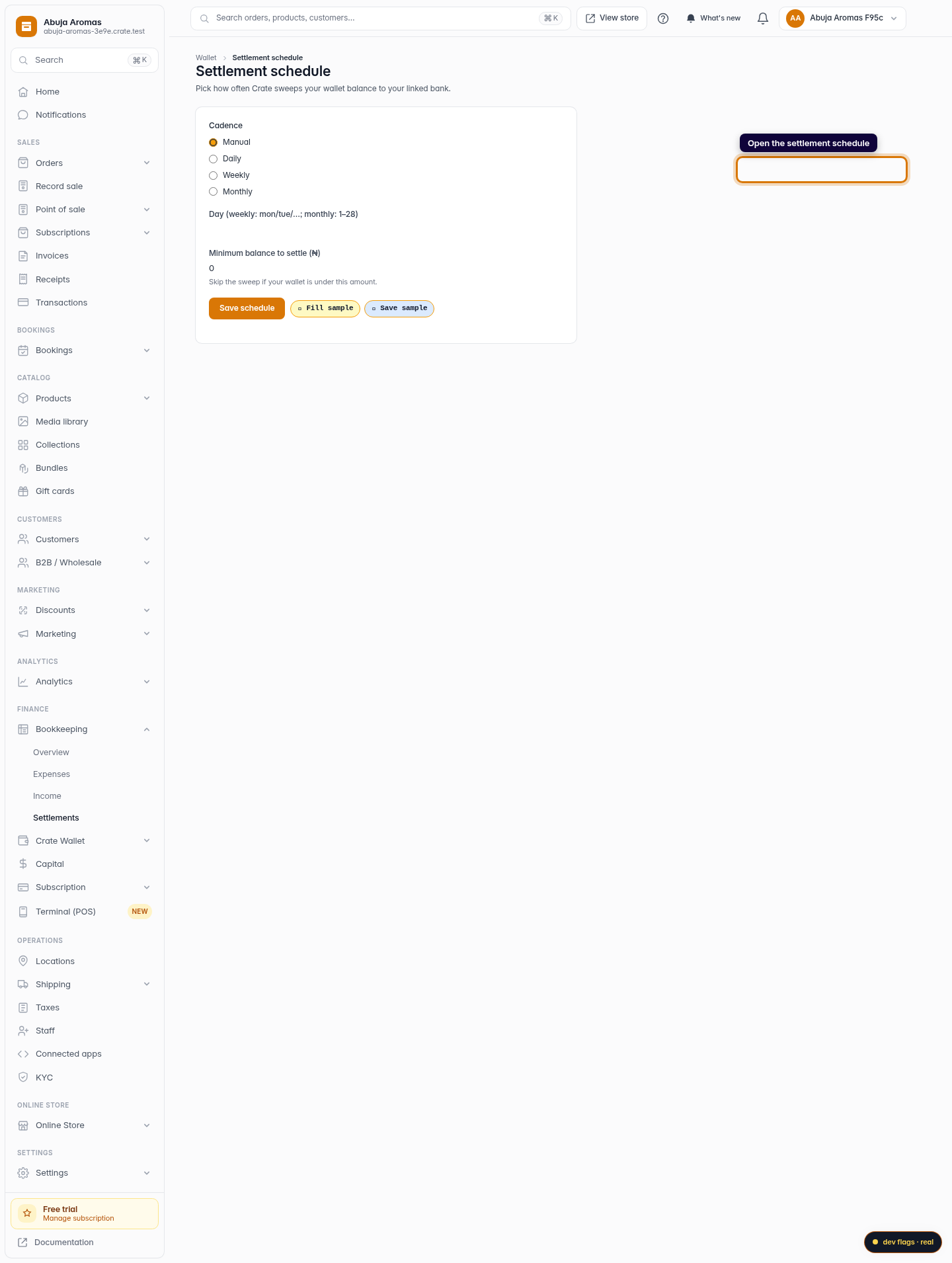
Open the settlement schedule
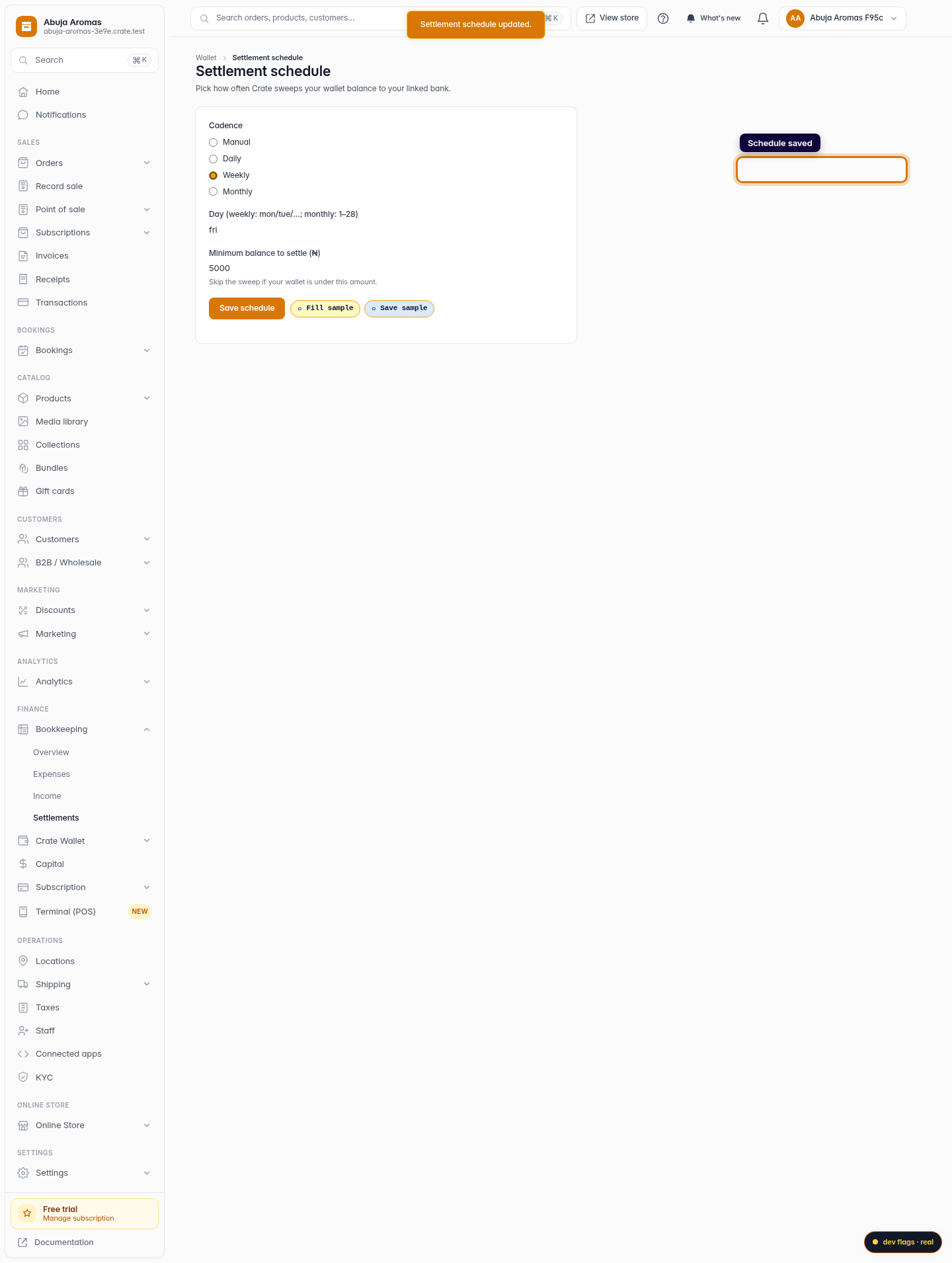
Go to Settlements under Finance. This is where you decide how often Crate moves your wallet balance to your linked bank.
Web 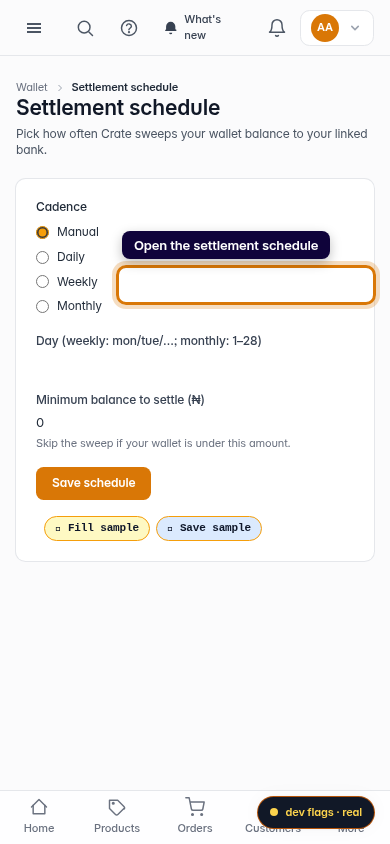
Mobile -
2
Pick a cadence
Choose Manual, Daily, Weekly or Monthly. Daily settles your balance every day; weekly and monthly let you name the day it runs.
Web -
3
Set the day and a minimum balance
For a weekly or monthly cadence, enter the day (a weekday like mon, or a date 1–28). Set a minimum balance so Crate skips the sweep when your wallet is below it.
Web -
4
Save the schedule
Click Save schedule. Crate confirms the change and your next settlement follows the new cadence.
Web 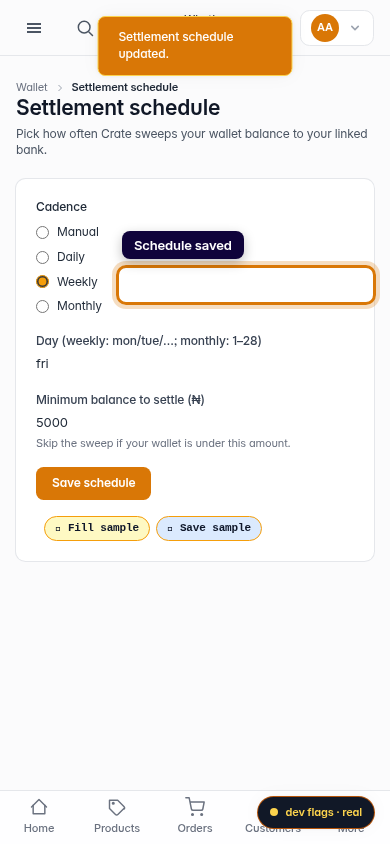
Mobile