Create an About Us page
Build trust with a few clicks — add an About Us page from a template, and Crate pre-fills it with prompts for your story, your values, and how to reach you.
An About Us page does quiet, heavy lifting: it tells shoppers who's behind the store, why it exists, and why they should trust you with their money. Stores with a genuine About page convert better — people buy from people.
Crate starts you from a template rather than an empty page, so you're editing real copy instead of staring at a blank canvas.
What the template gives you
The About Us template lands with three prompts to fill in:
- Our story — how the business started, in a human voice. Use a founder's first name.
- What we stand for — three or four values your shoppers care about: quality, fair pricing, fast delivery, local support.
- Get in touch — a contact call-to-action with your WhatsApp number, email, and opening hours.
You don't have to keep the headings as written — they're starting points. Rewrite anything; the structure is just there so you never face a blank page.
After you create it
Crate opens the new page in the editor with the placeholder copy ready to replace. Edit the text, add images, and save. The page is a normal storefront page from then on — you can rename it, tweak its SEO, or delete it any time from Pages.
-
1
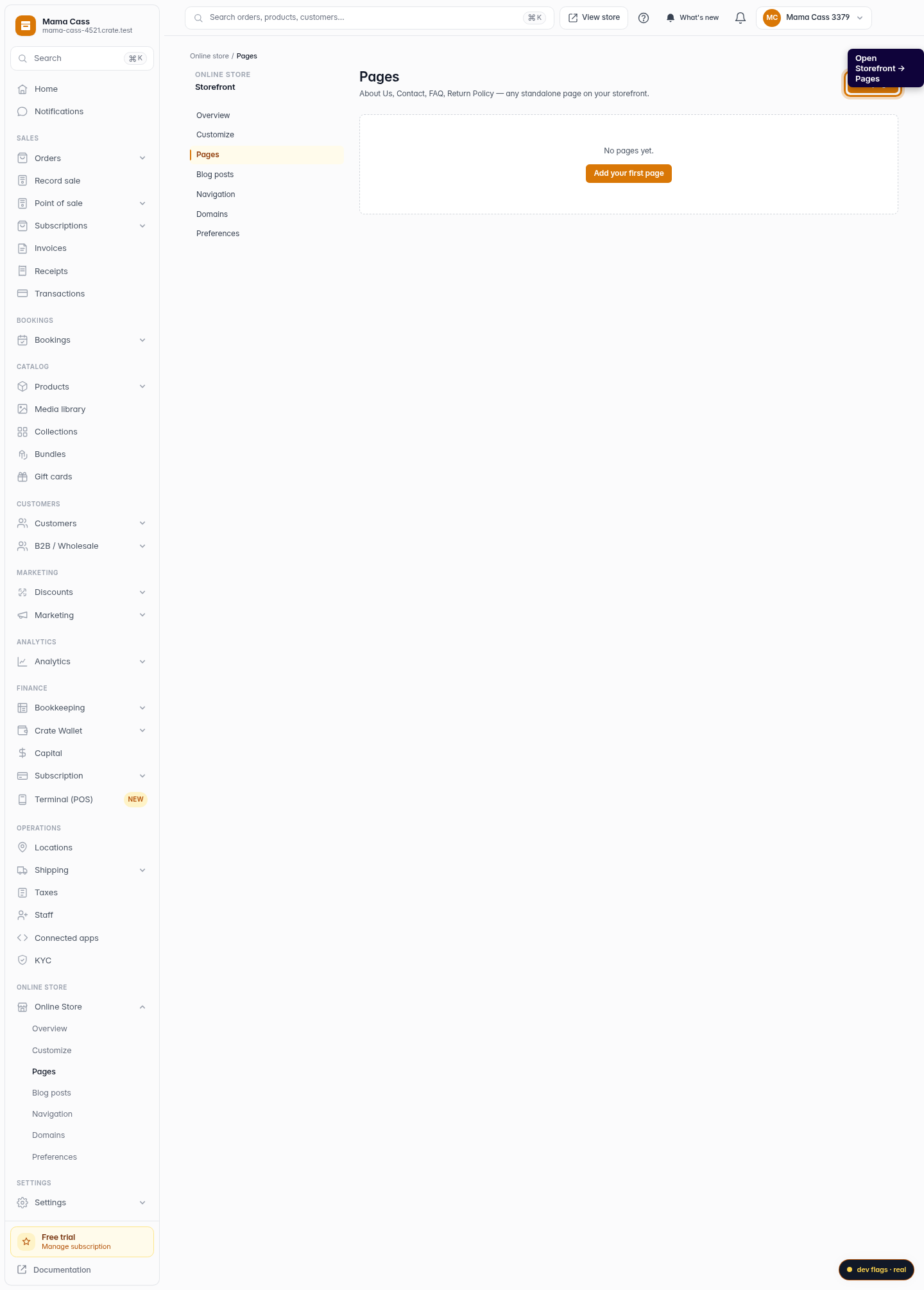
Open Pages
From your Crate dashboard, go to Storefront → Pages. This is where your store's standalone pages — About Us, Contact, FAQ, policies — live.
Web 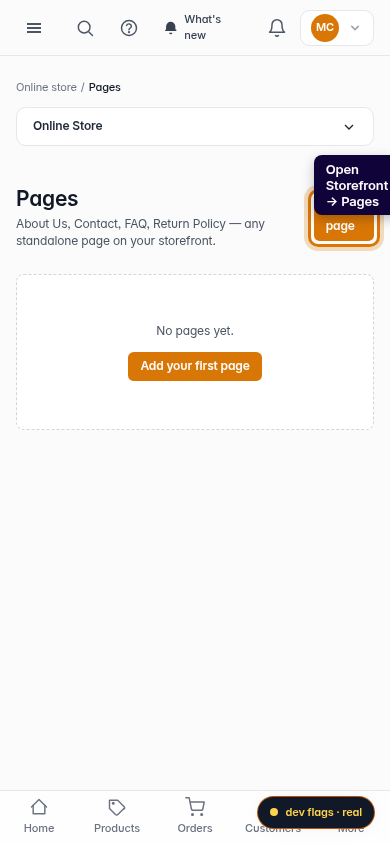
Mobile -
2
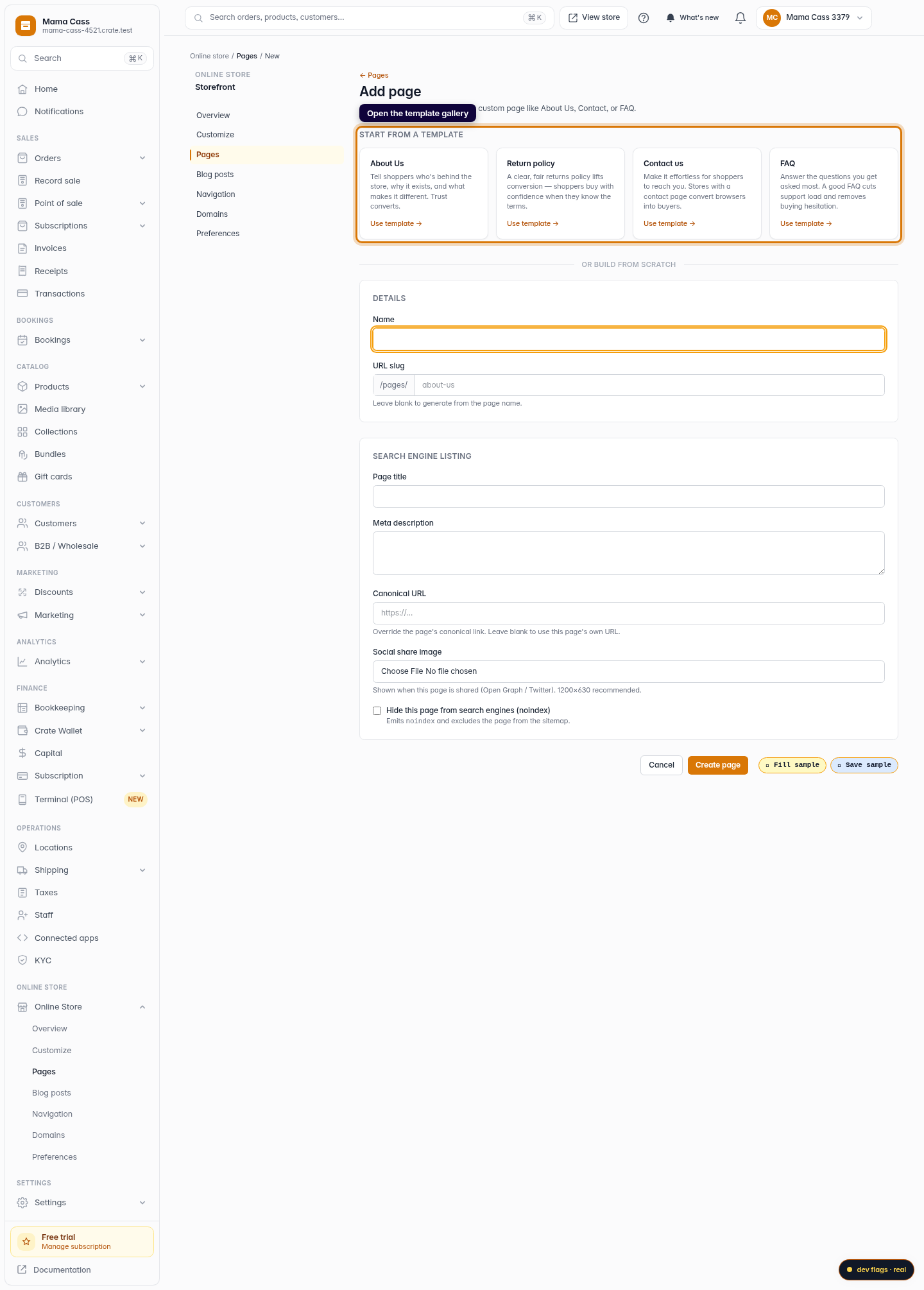
Add a page
Click Add page. Crate opens the template gallery so you can start from a proven layout instead of a blank canvas.
Web -
3
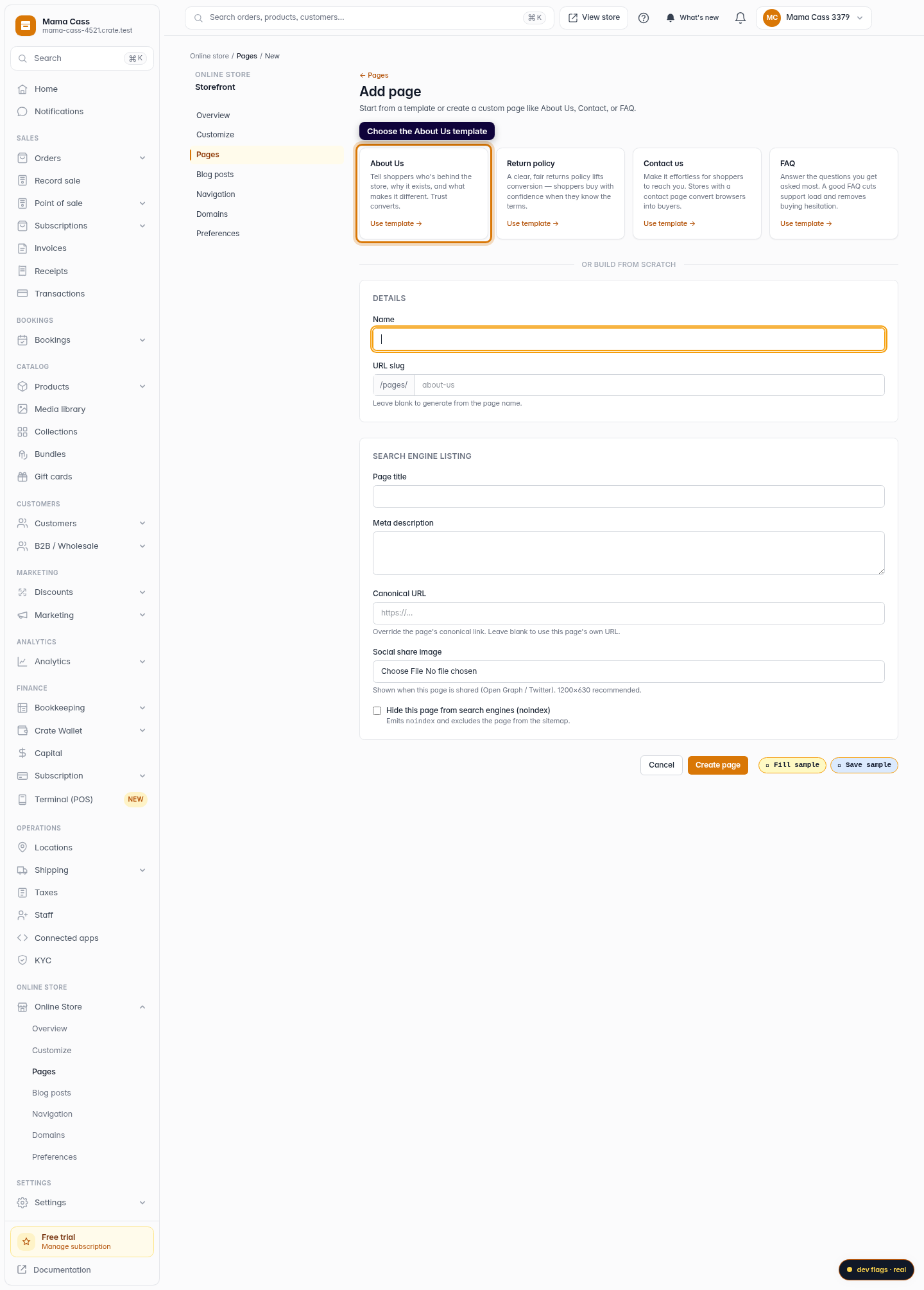
Choose the About Us template
In the Start from a template gallery, pick About Us. The template comes pre-structured with sections for your story, your values, and a way to get in touch.
Web 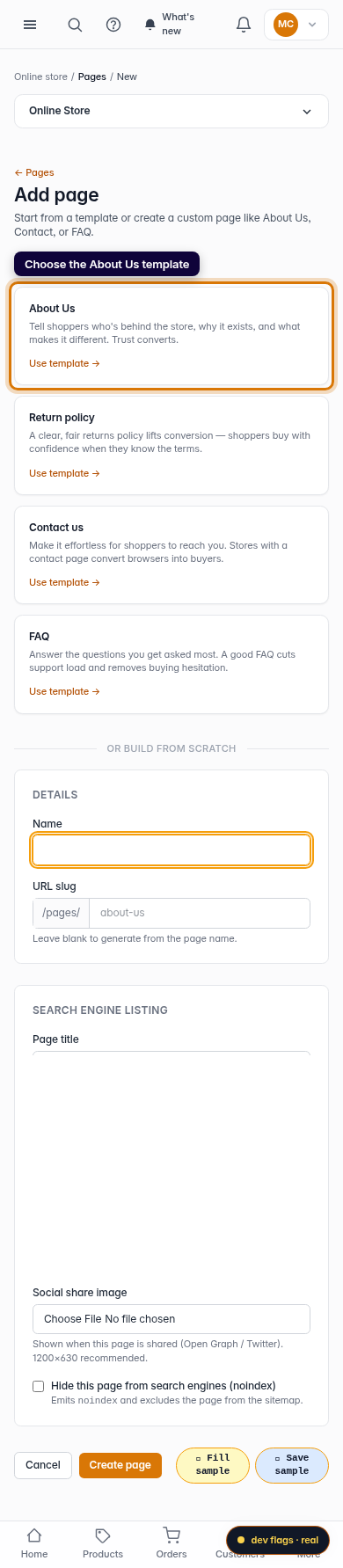
Mobile -
4
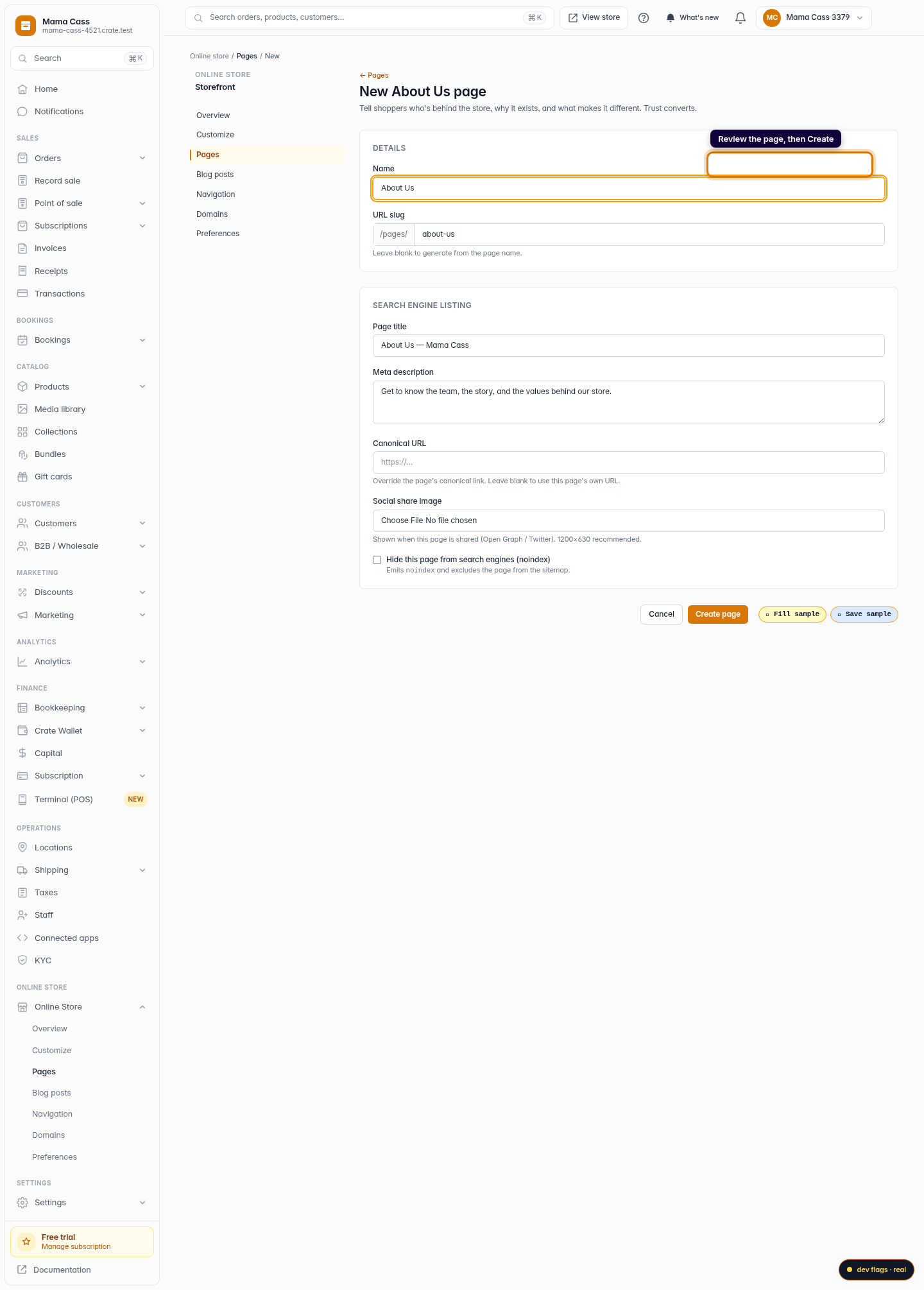
Create the page
Review the page name and slug (Crate suggests about-us), then click Create page. Crate builds the page and seeds it with guiding copy for each section.
Web -
5
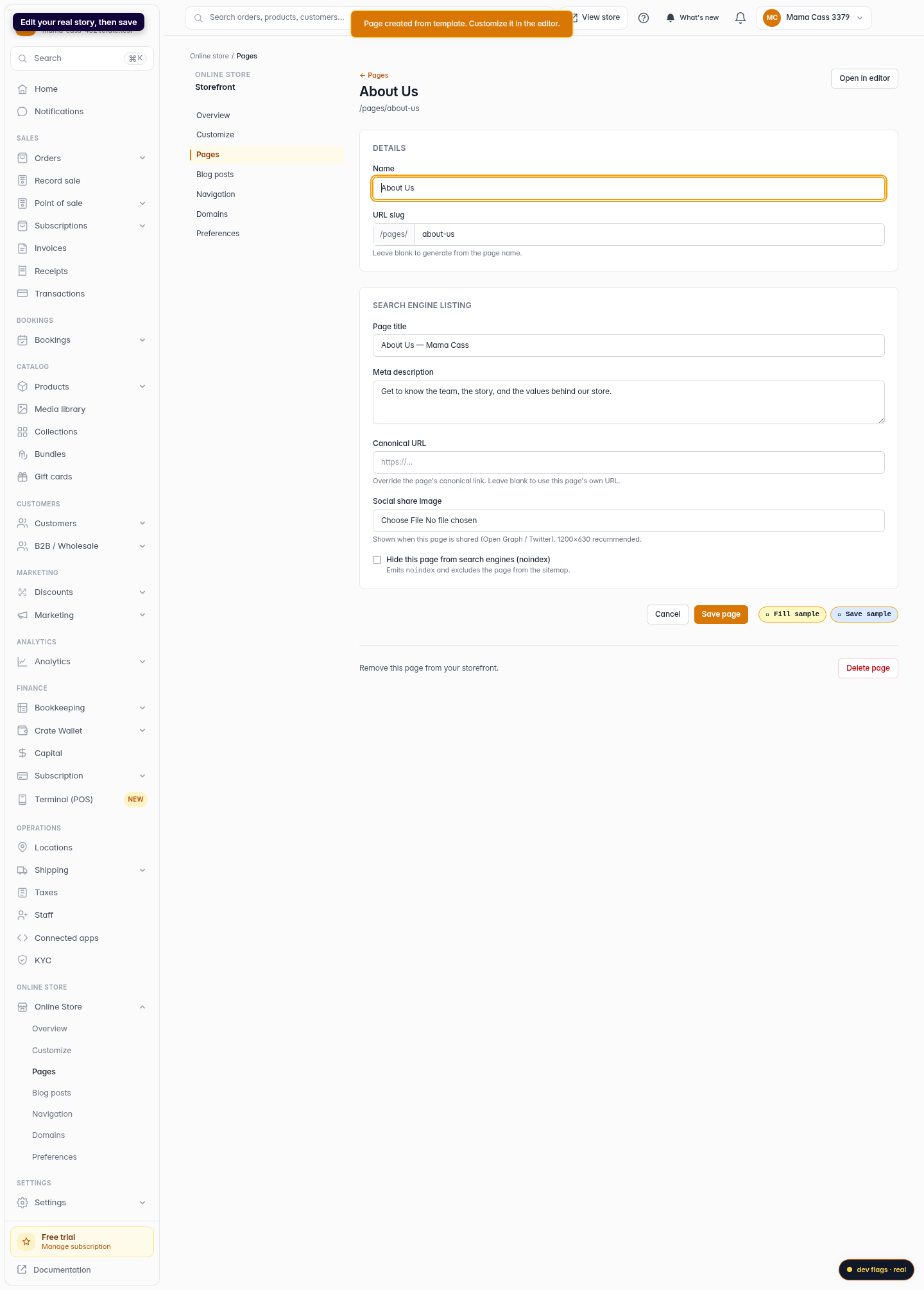
Make it yours in the editor
Crate drops you into the editor with the placeholder copy in place. Replace the prompts with your real story, swap in your photos, and save — your About Us page is live on your store.
Web 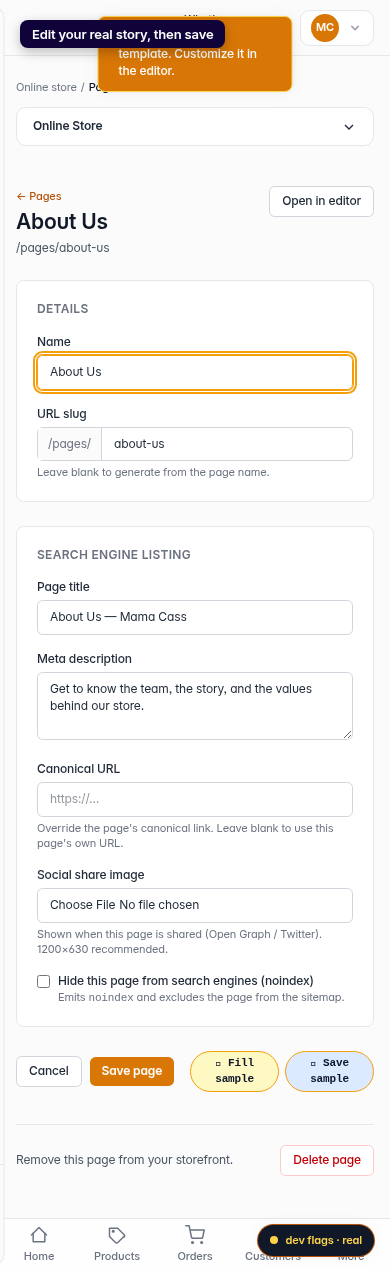
Mobile