How to edit a product
Change a product's name, price, stock, photos or status at any time — open it from your catalogue, edit, and save. Your storefront updates instantly.
Products aren't set in stone. As prices move, stock changes or you take better photos, you'll want to keep your listings current — and Crate makes editing a product as quick as creating one.
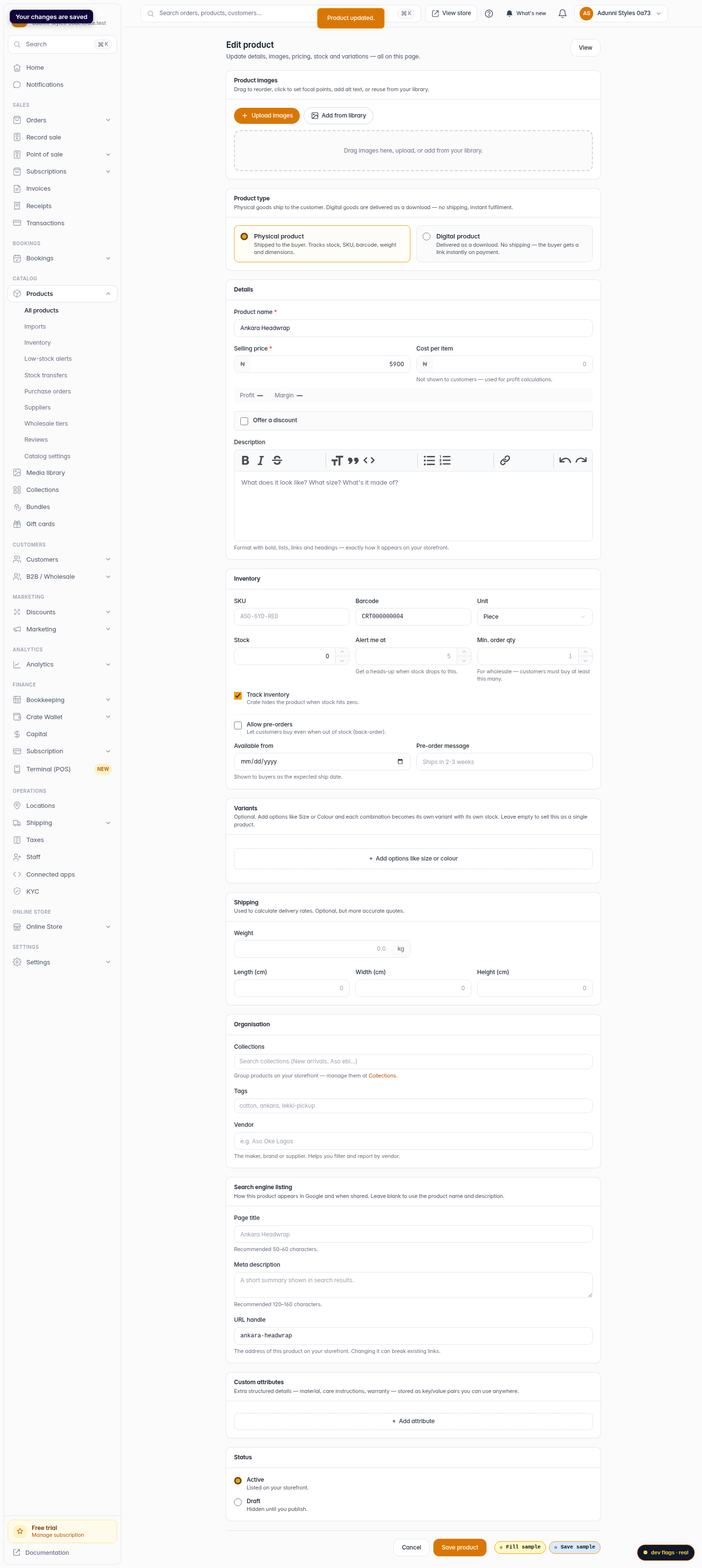
Editing happens on the same form you used to add the product, so there's nothing new to learn. Open the product, make your change, and save.
What you can edit
Everything. The product's name, price, stock count, photos, description, SKU, collections, variations and status (Active or Draft) are all editable from the product editor. Change one field or many — Crate only saves what you submit.
Tip: Need to take a product off your storefront without deleting it? Open it, set its status to Draft, and save. It stays in your catalogue but disappears from your store until you publish it again.
When changes take effect
Saving is instant. The moment you click Save product, the updated details are live everywhere you sell — your online store, your WhatsApp and Instagram channels, and the point of sale. There's no separate publish step for an edit to an already-live product.
-
1
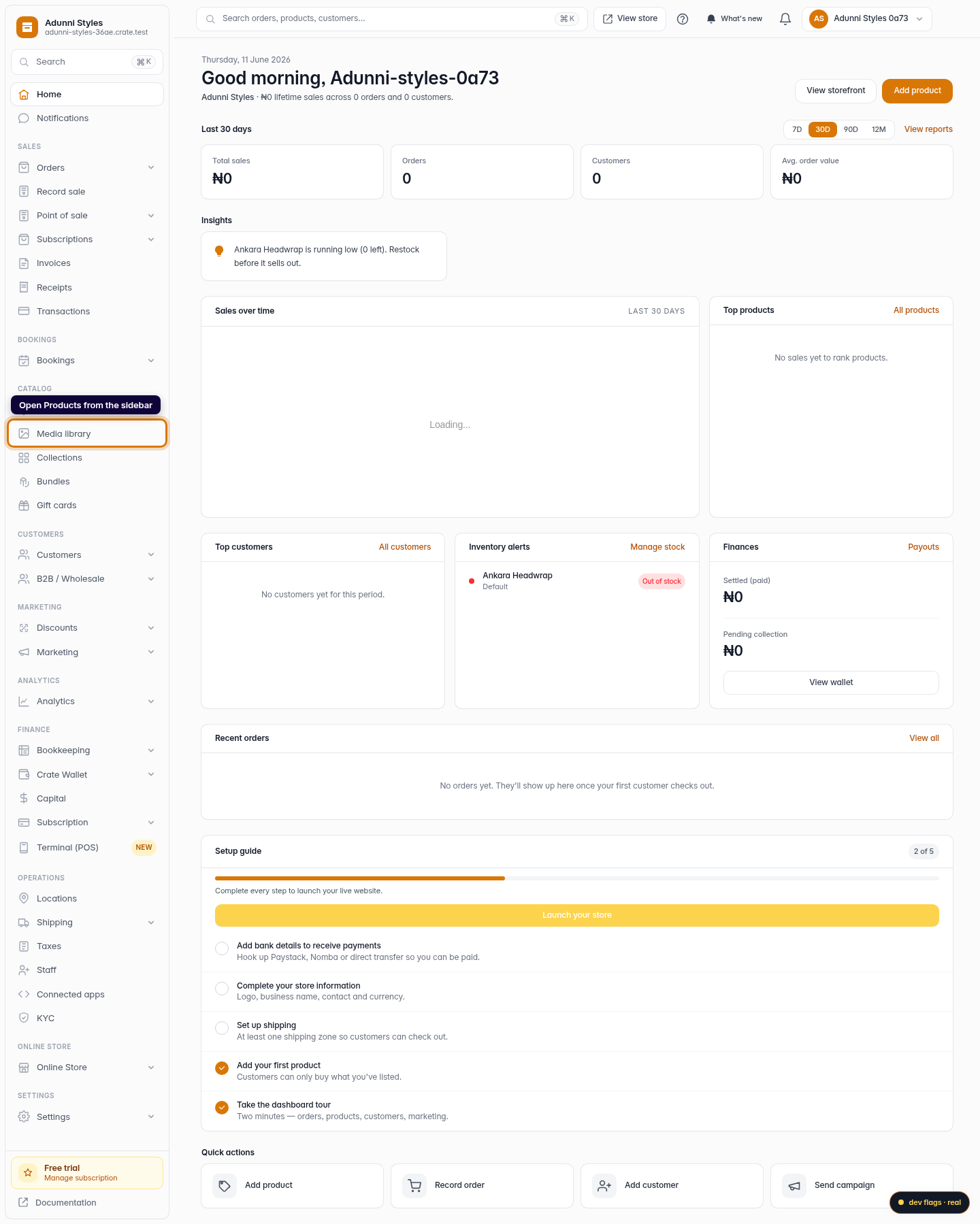
Open Products
From your Crate dashboard, open Products in the left sidebar to see your full catalogue.
Web -
2
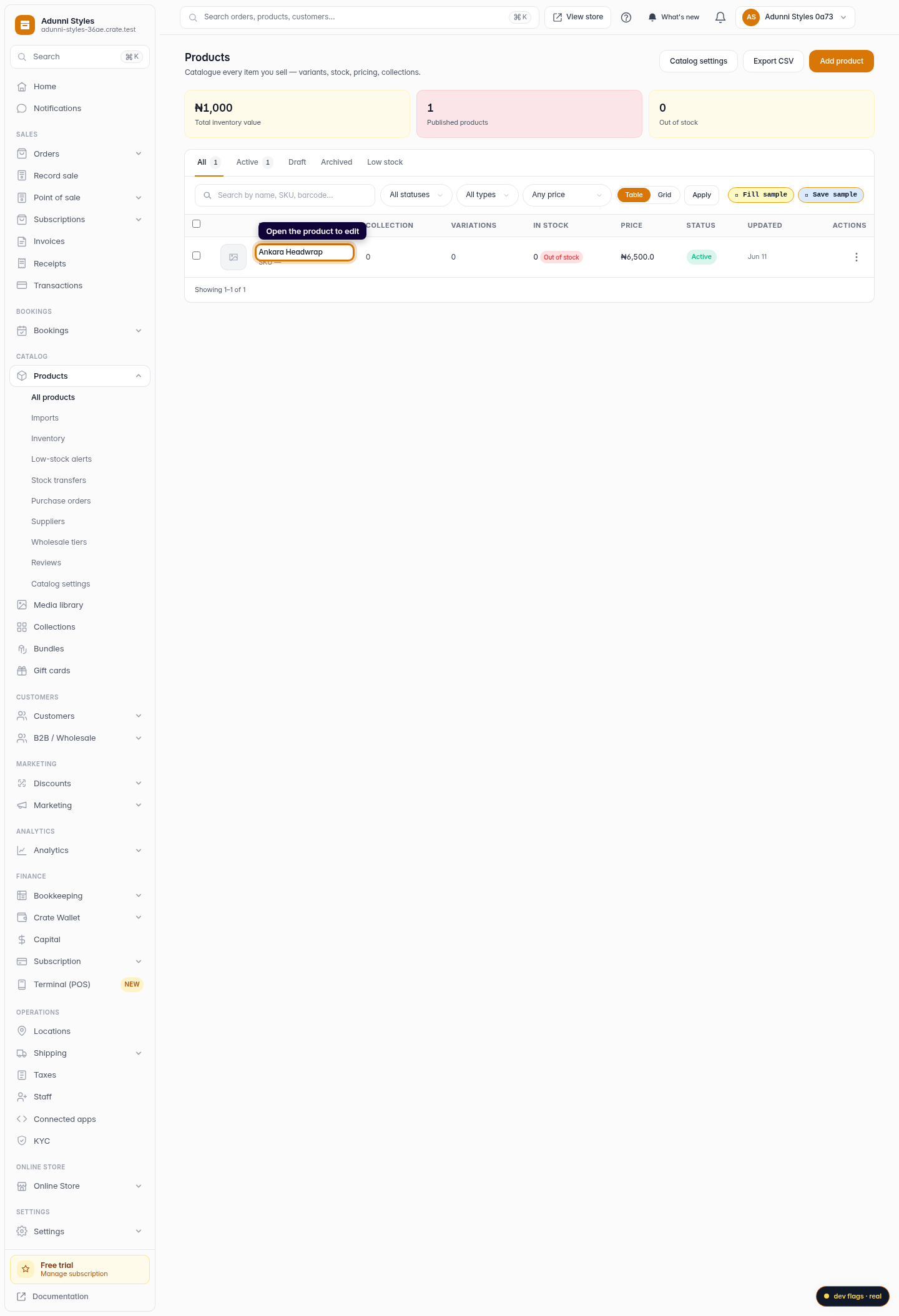
Open the product you want to change
Find the product in the list and click its name to open it. You can use the search box at the top of the table if your catalogue is large.
Web -
3
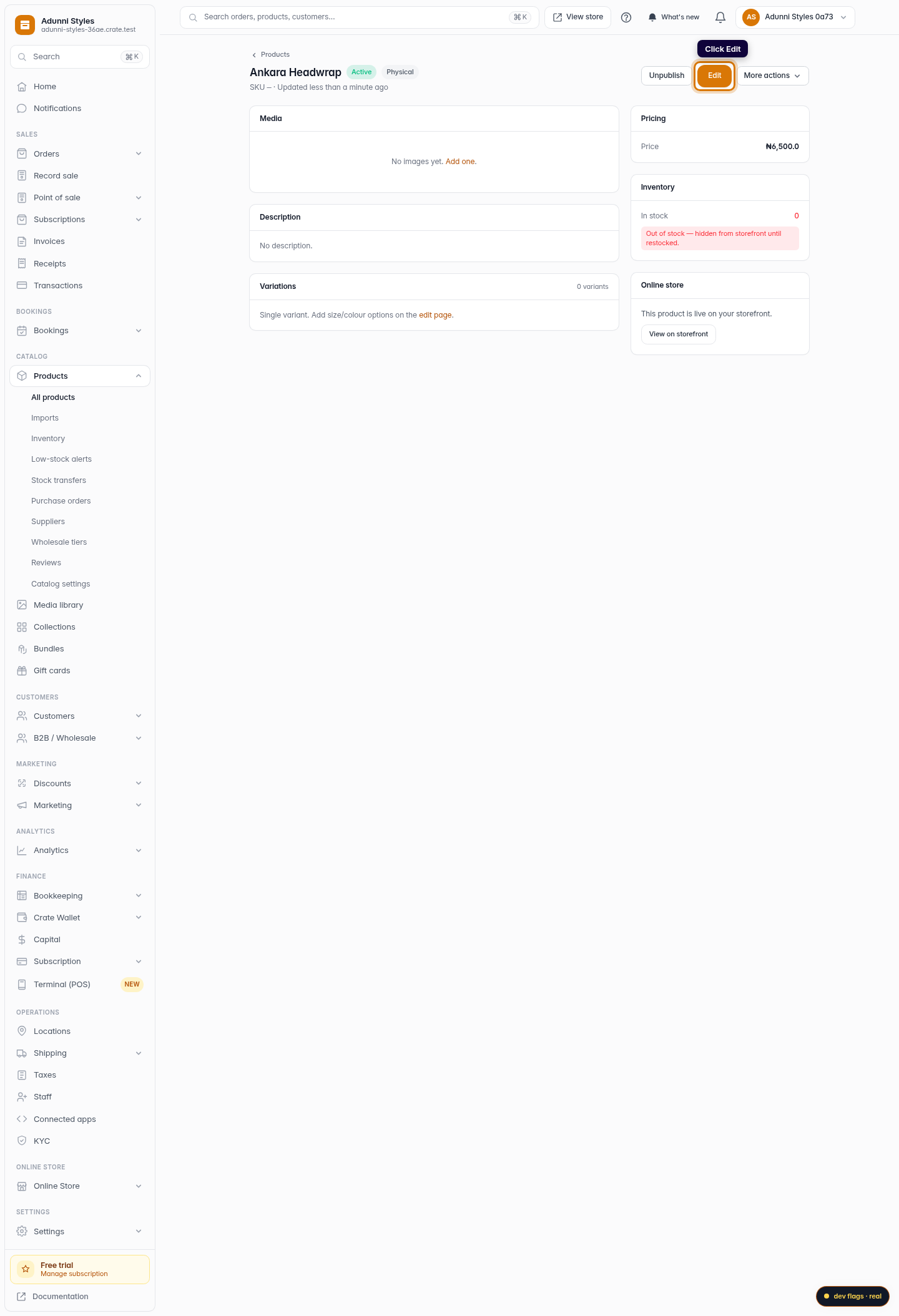
Switch to edit
From the product page, click Edit to open the full editor — the same form you used when you first created it, pre-filled with the current details.
Web -
4
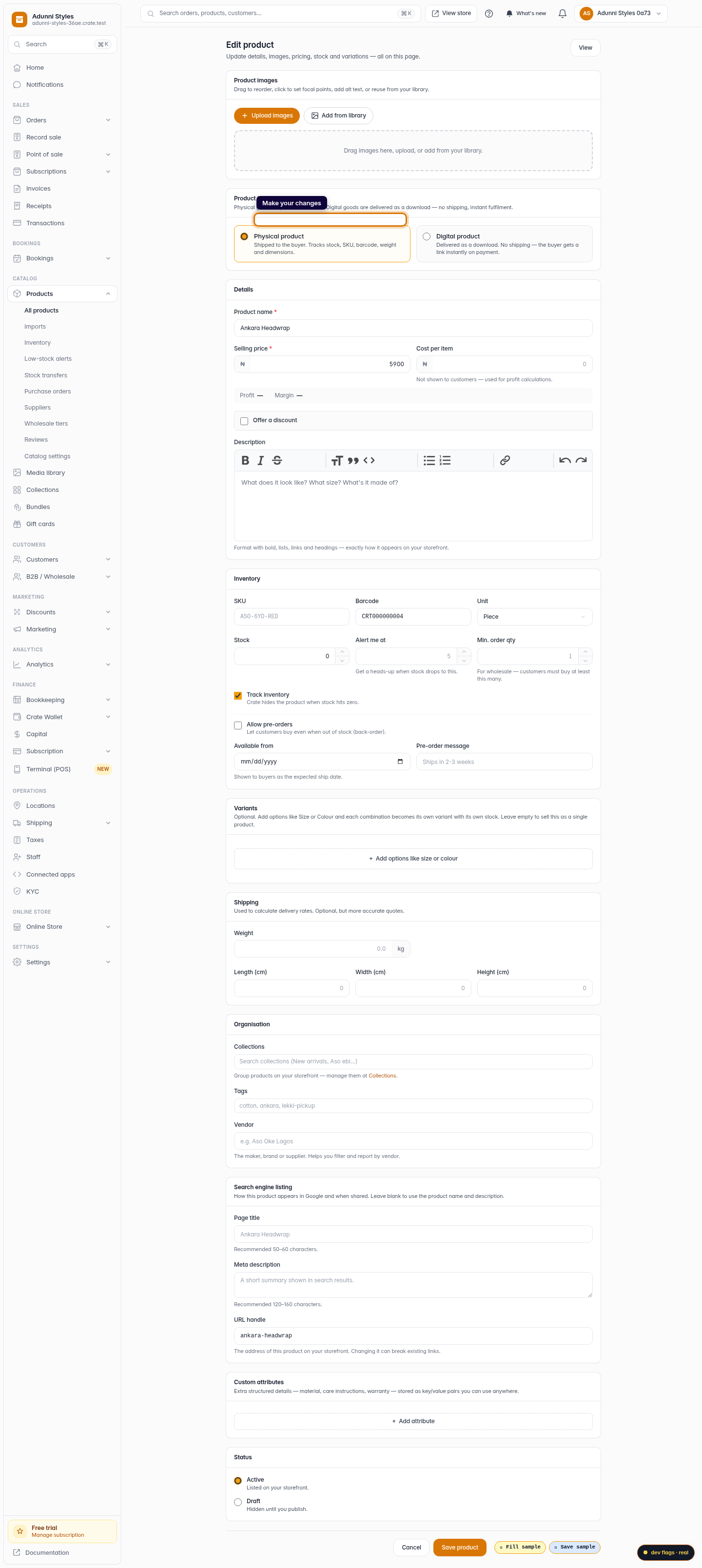
Make your changes
Update whatever you need — the name, price, stock, photos, description or status. Every field is editable, and you can change as many as you like before saving.
Web -
5
Save your changes
Click Save product. Crate confirms the update and your storefront, social channels and point of sale all reflect the new details immediately.
Web