Renew your subscription
Crate renews your plan automatically at the end of each period. See your renewal date, switch auto-renew on or off, understand the 3-day grace period, and renew on demand.
Your Crate subscription keeps your premium features switched on — your custom domain, staff accounts, advanced analytics and more. Crate renews it automatically at the end of each period, so most merchants never have to think about it. This guide shows you where renewal lives and how to take control of it when you need to.
How automatic renewal works
When auto-renew is on, Crate charges your card on file at the start of each new period and your store carries on without interruption. You can switch auto-renew off any time — you keep full access until your current period ends, after which the store steps down to the free plan unless you renew.
Tip: Keep the card on your account funded. If a renewal charge can't go through, you don't lose access immediately — you enter a short grace period first.
The 3-day grace period
If a renewal can't be processed — say, insufficient funds — your account enters a 3-day grace period rather than being cut off. During those three days Crate retries your card daily and shows a reminder on your dashboard and on this page. Renew within the grace period and your charge date stays unchanged.
If the grace period passes without a successful renewal, your store downgrades to the free plan: you lose your custom domain, staff accounts and other premium benefits until you re-subscribe.
Renewing on demand
You don't have to wait for the charge date. Use Renew now to extend your current plan straight away. Crate shows exactly how many months you're adding and the total — your period price plus 7.5% VAT — so there are no surprises. Confirm, and your renewal date moves out accordingly.
-
1
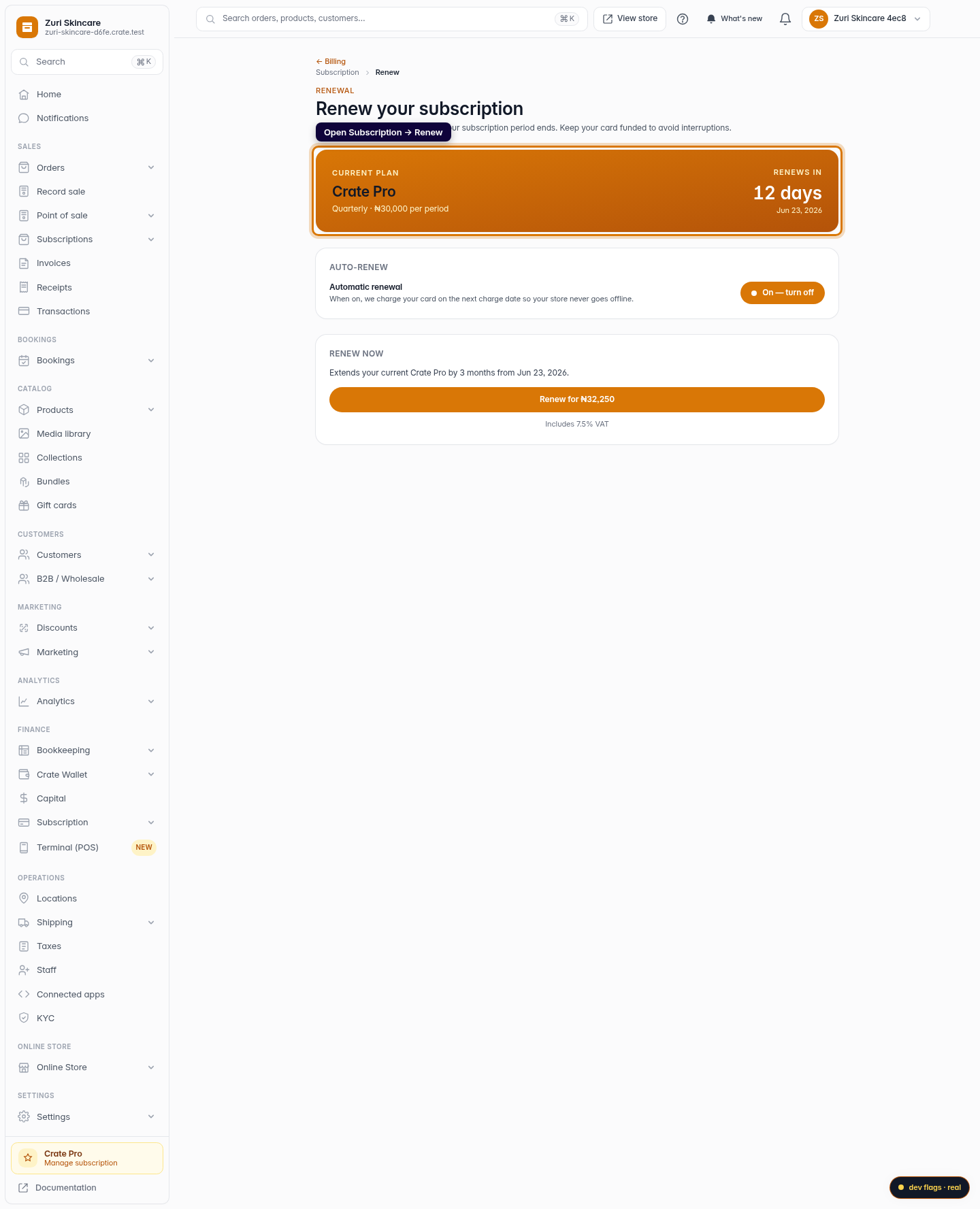
Open the renewal page
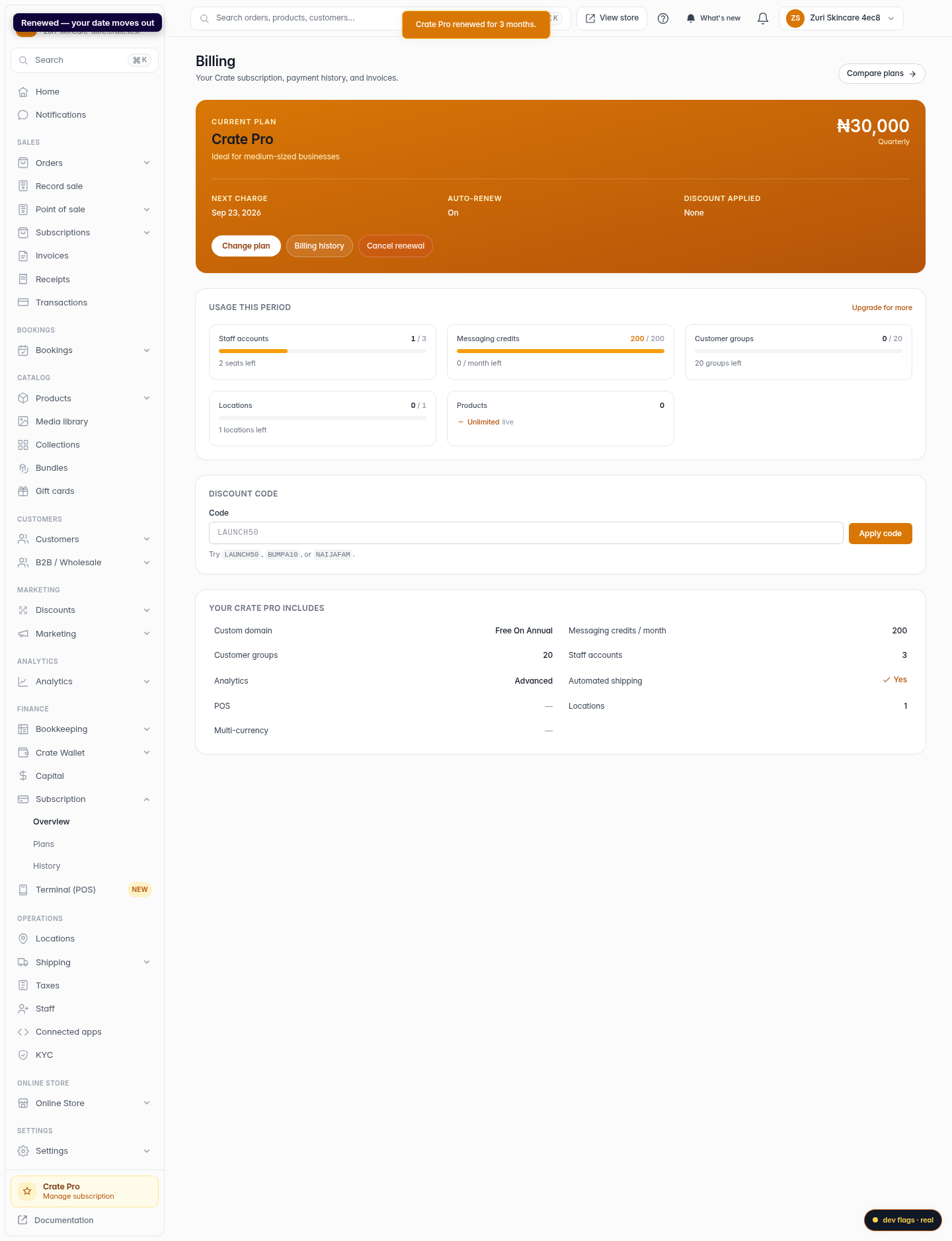
From Subscription, open Renew. The card at the top shows your current plan, your billing period, and how many days are left before it renews.
Web 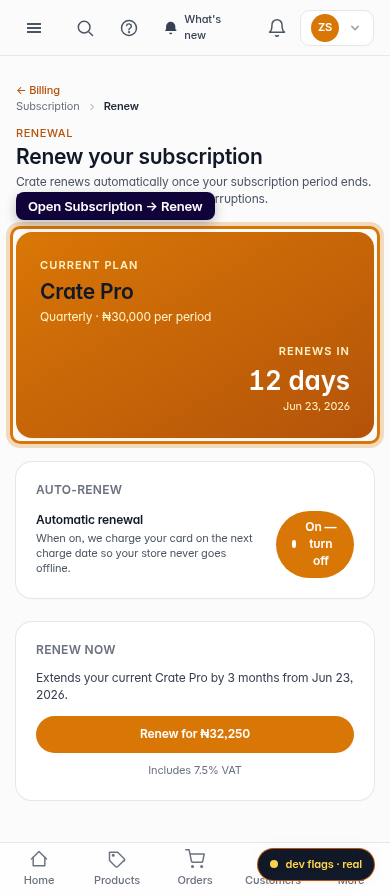
Mobile -
2
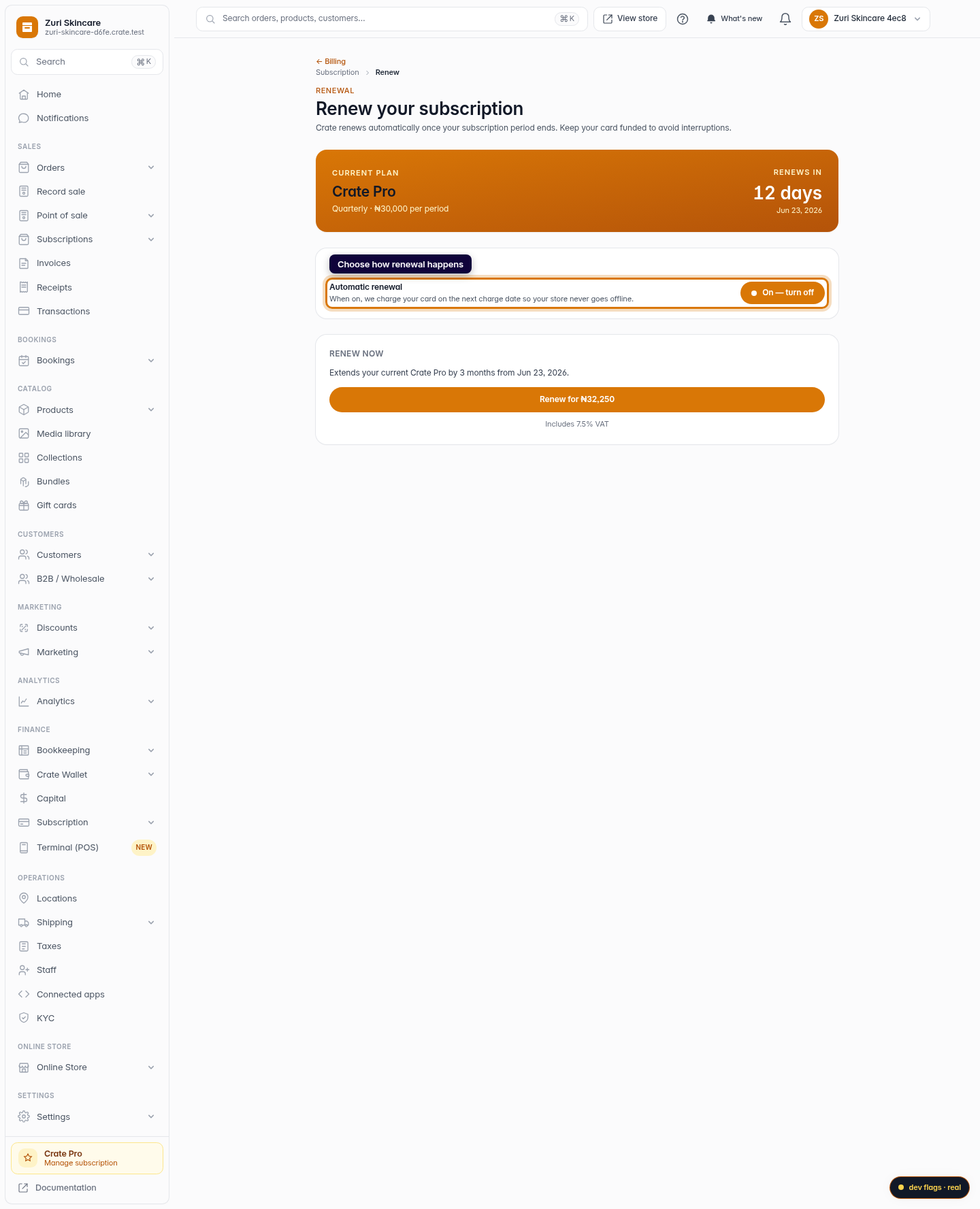
Choose how renewal happens
Under Auto-renew, toggle automatic renewal. When it's on, Crate charges your card on the next charge date so your store never goes offline.
Web -
3
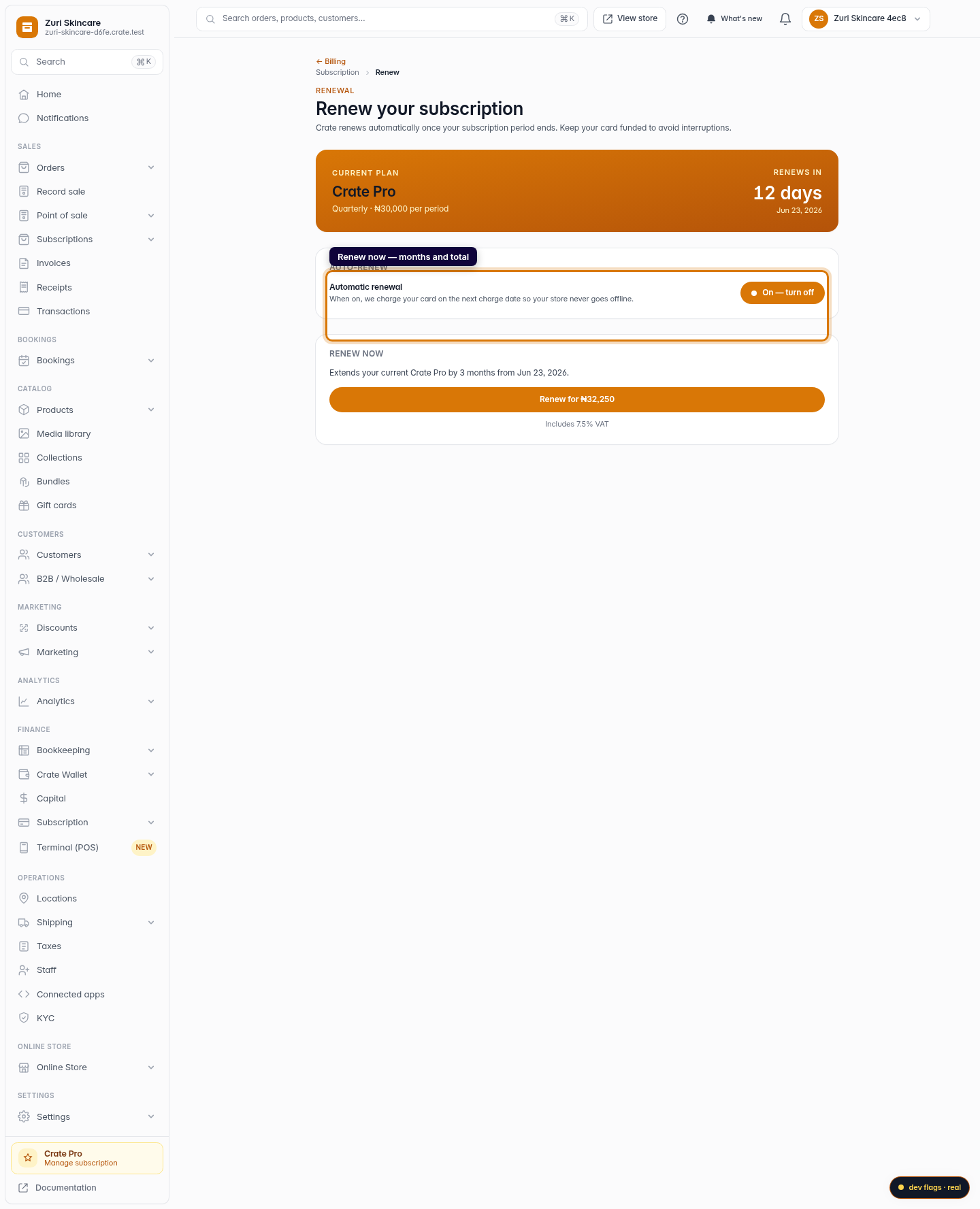
Renew now
To extend immediately, use Renew now. It tells you exactly how many months you're adding and the total — including 7.5% VAT — before you confirm.
Web -
4
Confirm the renewal
Click Renew to extend your plan. Crate confirms, and your renewal date moves out by the length of your billing period.
Web 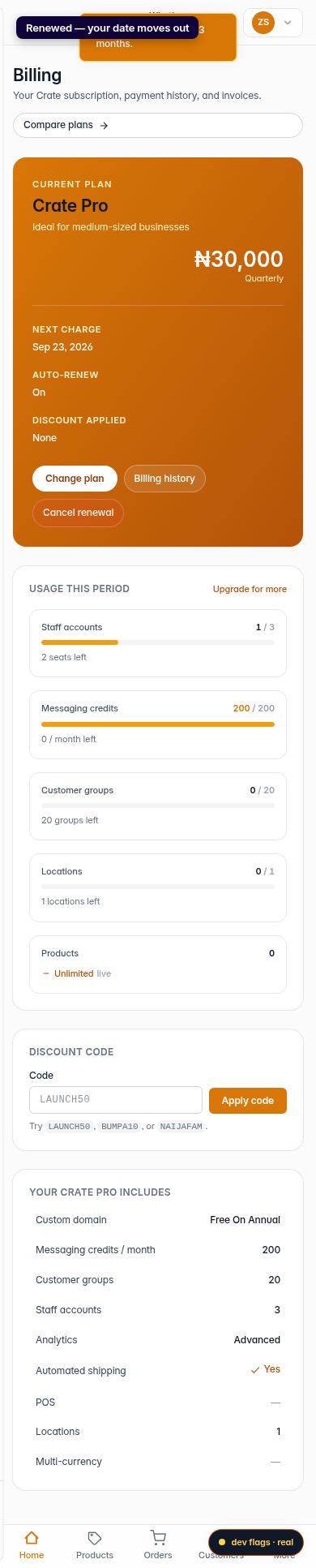
Mobile