Changing your email address
Update the email on your Crate account from your profile. We park the new address until you confirm it from your inbox, so a typo can never lock you out.
Your account email is how Crate reaches you — order alerts, payout notices, password resets and security warnings all land there. Keeping it current means you never miss anything important.
Changing it takes a few seconds, and Crate is deliberately careful about it: a new email is a common account-takeover target, so we ask for your password and we don't switch you over until you've confirmed the new address from your inbox.
Before you start
- You'll need your current password. If you've forgotten it, reset it first from the sign-in page, then come back.
- Make sure you can actually receive mail at the new address — confirmation goes there.
What happens after you save
When you save, Crate keeps your current email active and quietly parks the new one as pending. A confirmation link goes to the new address. The moment you click that link, the switch completes and the new email becomes your sign-in. We also notify your old address, so if a change wasn't you, you'll know right away.
Tip: Your name and date of birth are locked once you've completed KYC verification — but your email and phone stay editable here at any time.
If you can't change your email yourself — for example, you've lost access to the old inbox — contact support and we'll verify your identity before updating it for you.
-
1
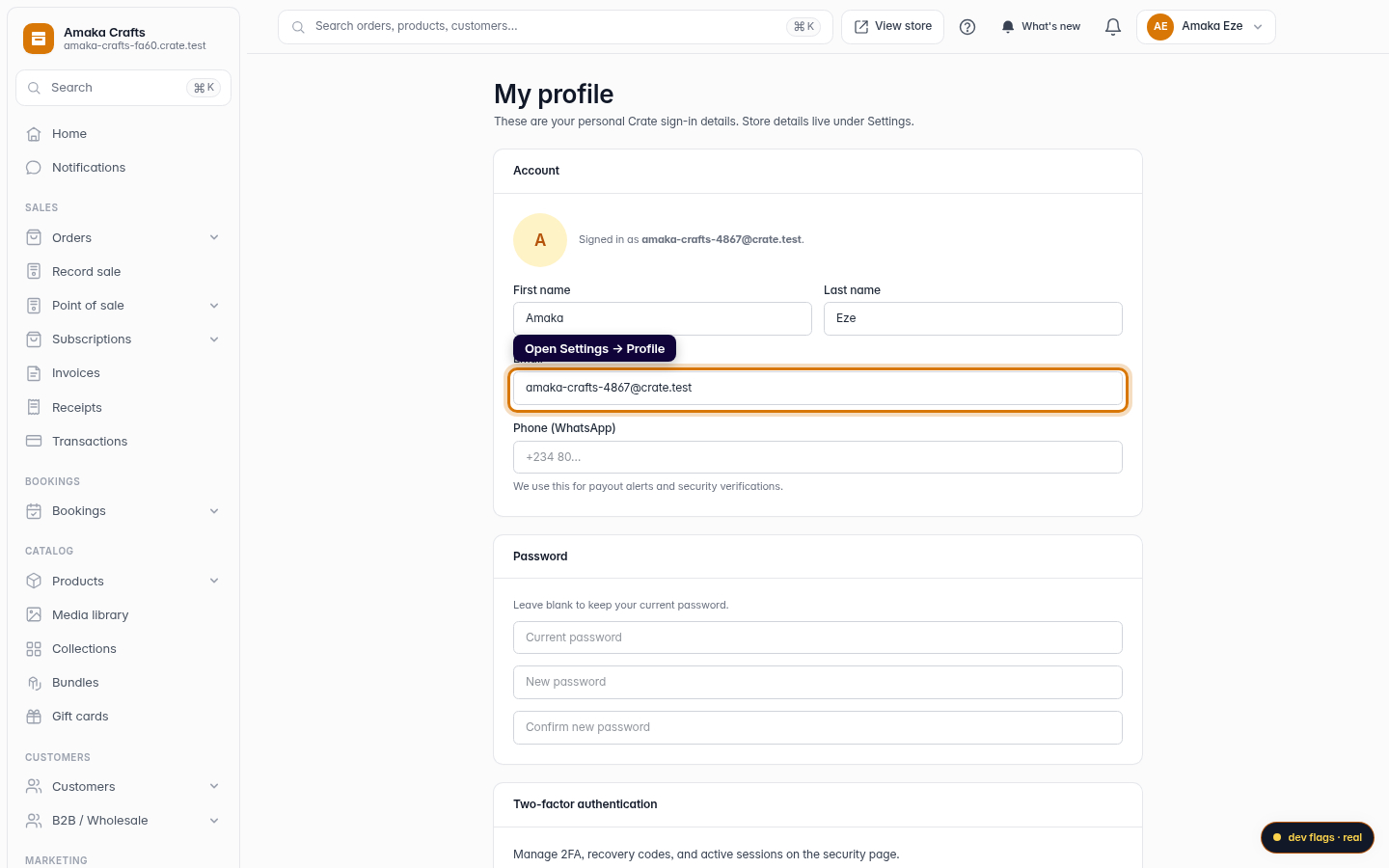
Open your profile
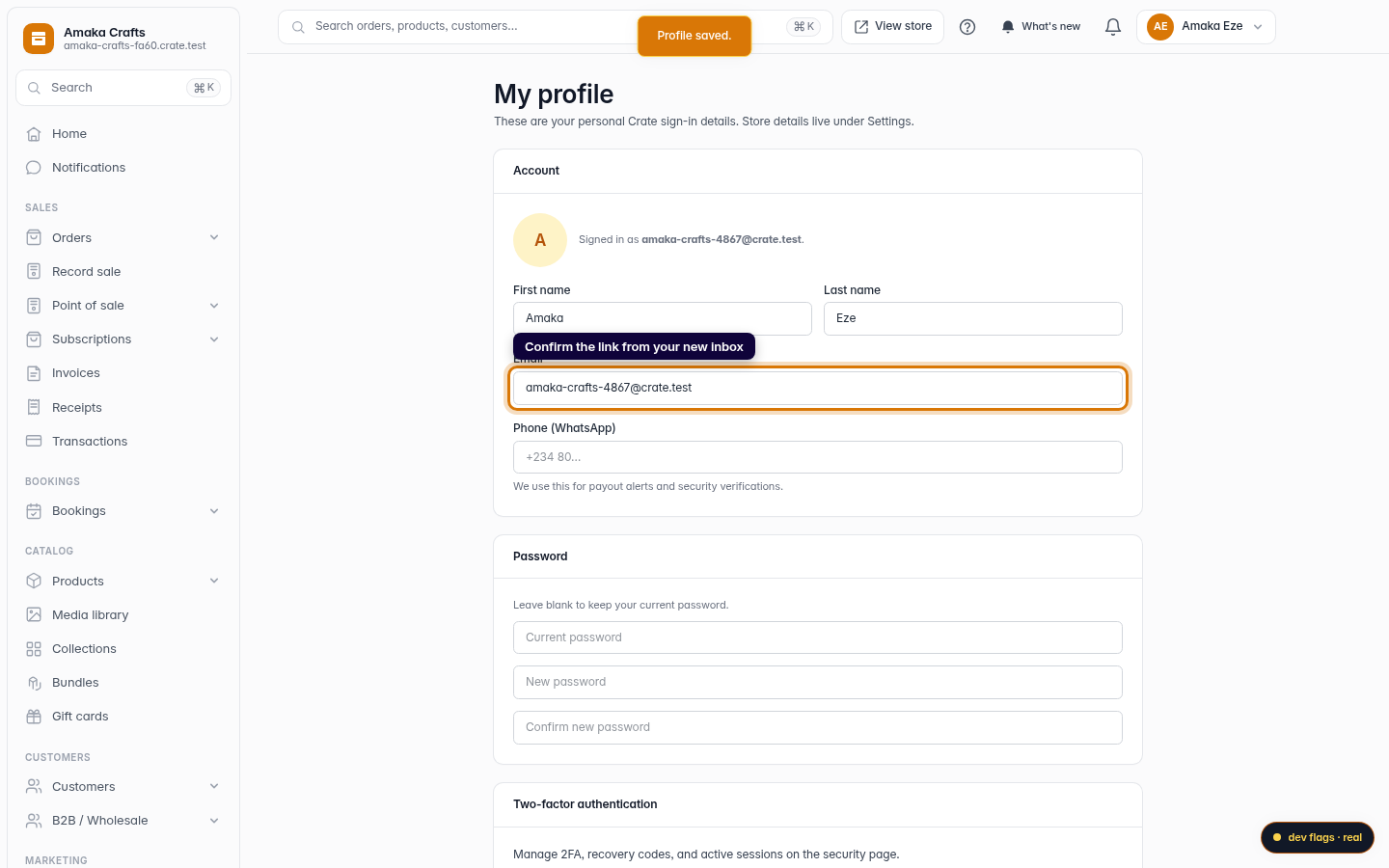
From the dashboard, go to Settings → Profile. This is where your personal Crate sign-in details live — name, email, phone and password.
Web -
2
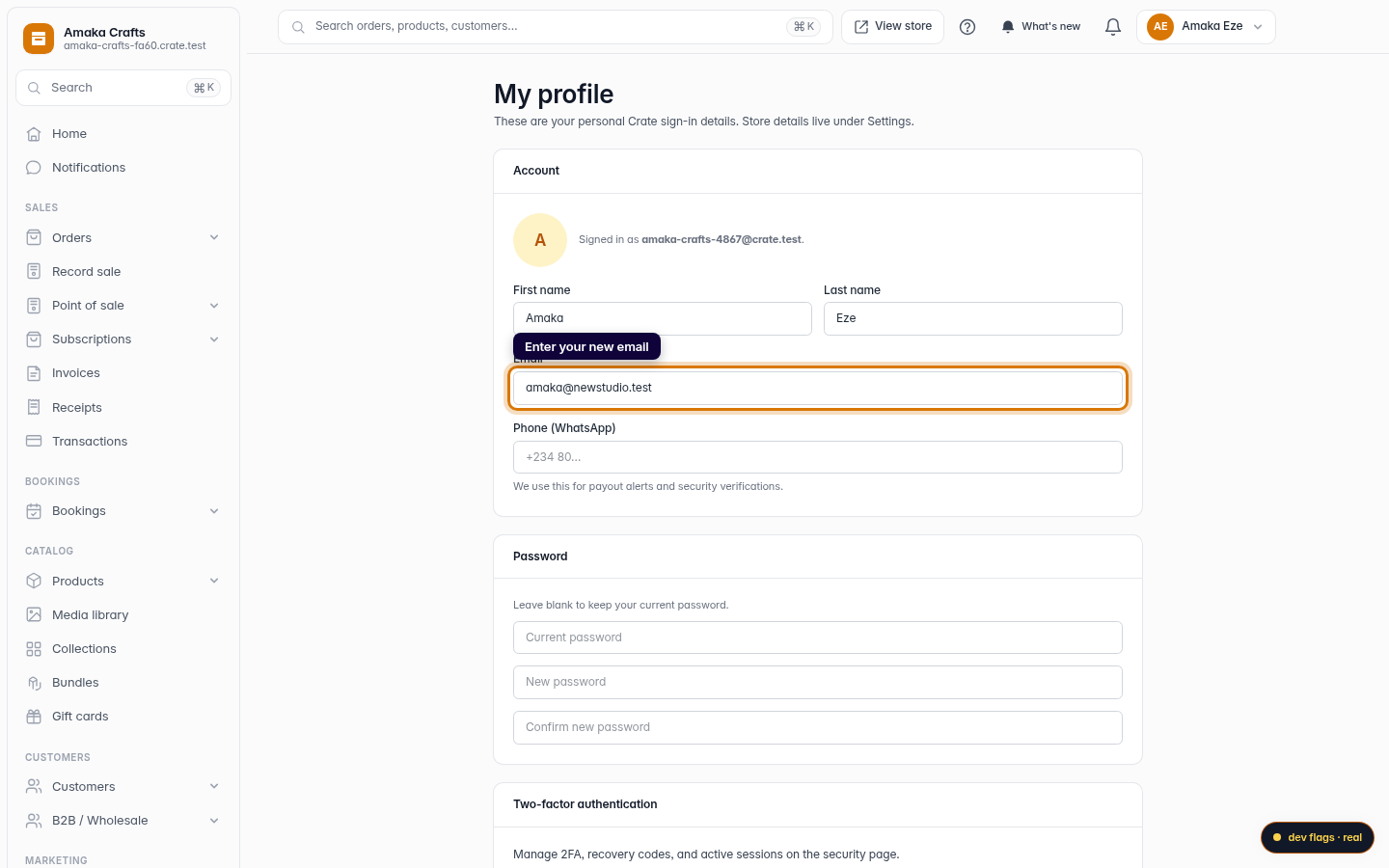
Type your new email
In the Email field, replace your current address with the one you want to use. Double-check it — confirmation links and security alerts go to this address.
Web -
3
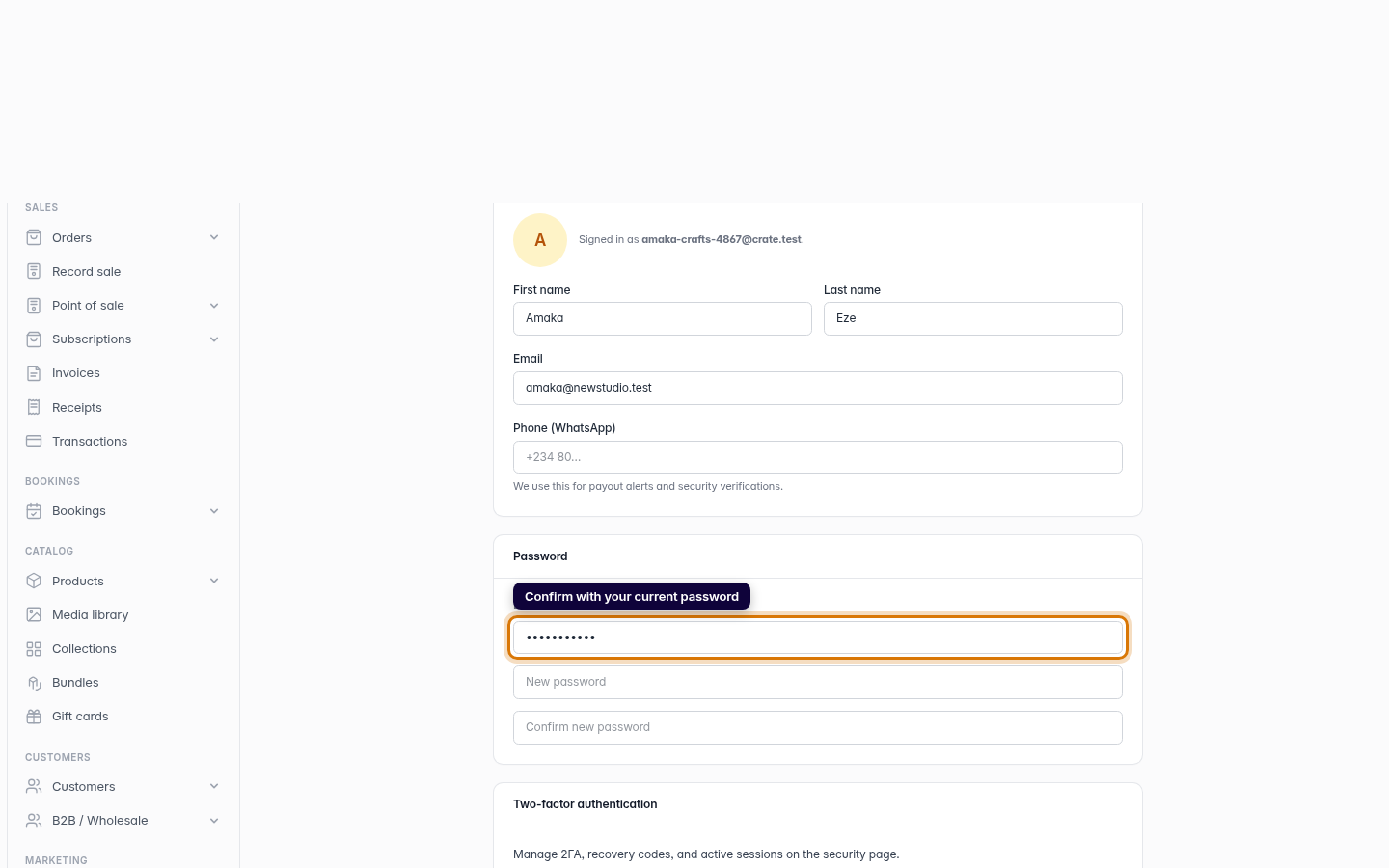
Confirm with your current password
Under Password, enter your current password in the first box. Changing your email is a sensitive action, so Crate asks you to prove it's really you. Leave the new-password boxes blank — you're not changing your password.
Web -
4
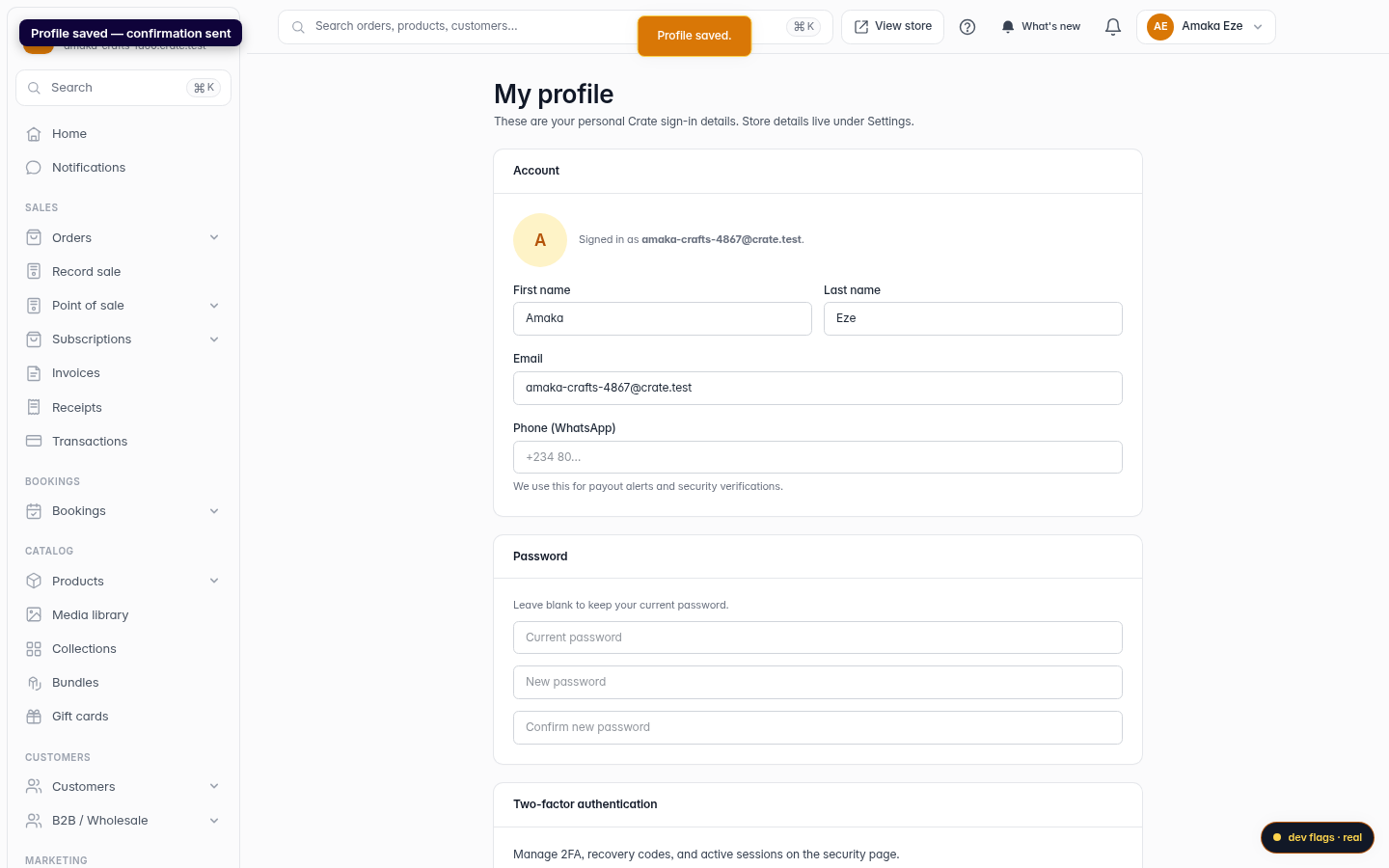
Save changes
Click Save changes. Crate confirms with Profile saved and sends a confirmation link to your new address.
Web -
5
Confirm from your inbox
Open the confirmation email at your new address and click the link. Until you do, you keep signing in with your old email — so a mistyped address can never lock you out.
Web