Logging in
Sign in to your Crate dashboard with your email and password — and learn what to do if the credentials don't match or you've turned on two-factor authentication.
Signing in to Crate takes two fields and a click. Once you're in, you have your whole store in one place — catalogue, orders, payments, marketing and your live storefront.
Before you start
You need the email address and password you created your account with. If you signed up with a partner or teammate's invitation, use the email the invite was sent to.
Tip: Tick Remember me on a device that's yours alone, and Crate keeps you signed in so you skip this screen next time. On a shared or public computer, leave it unticked and sign out when you're done.
If your credentials don't match
If you see Email or password is incorrect, it means one of the two doesn't match what's on file. Check for a stray space, the wrong capitalisation, or an old password. For security, Crate shows the same message whether the email exists or not — so the wording never confirms which field was wrong.
Can't remember your password? Click Forgot password? on the sign-in card and we'll email you a reset link. Once you've set a new password, come back here and sign in with it.
If you use two-factor authentication
If you've turned on two-factor authentication, Crate asks for a 6-digit authenticator code after your password checks out. Open your authenticator app, read the current code, and enter it — or paste one of your saved recovery codes if you don't have the app to hand.
-
1
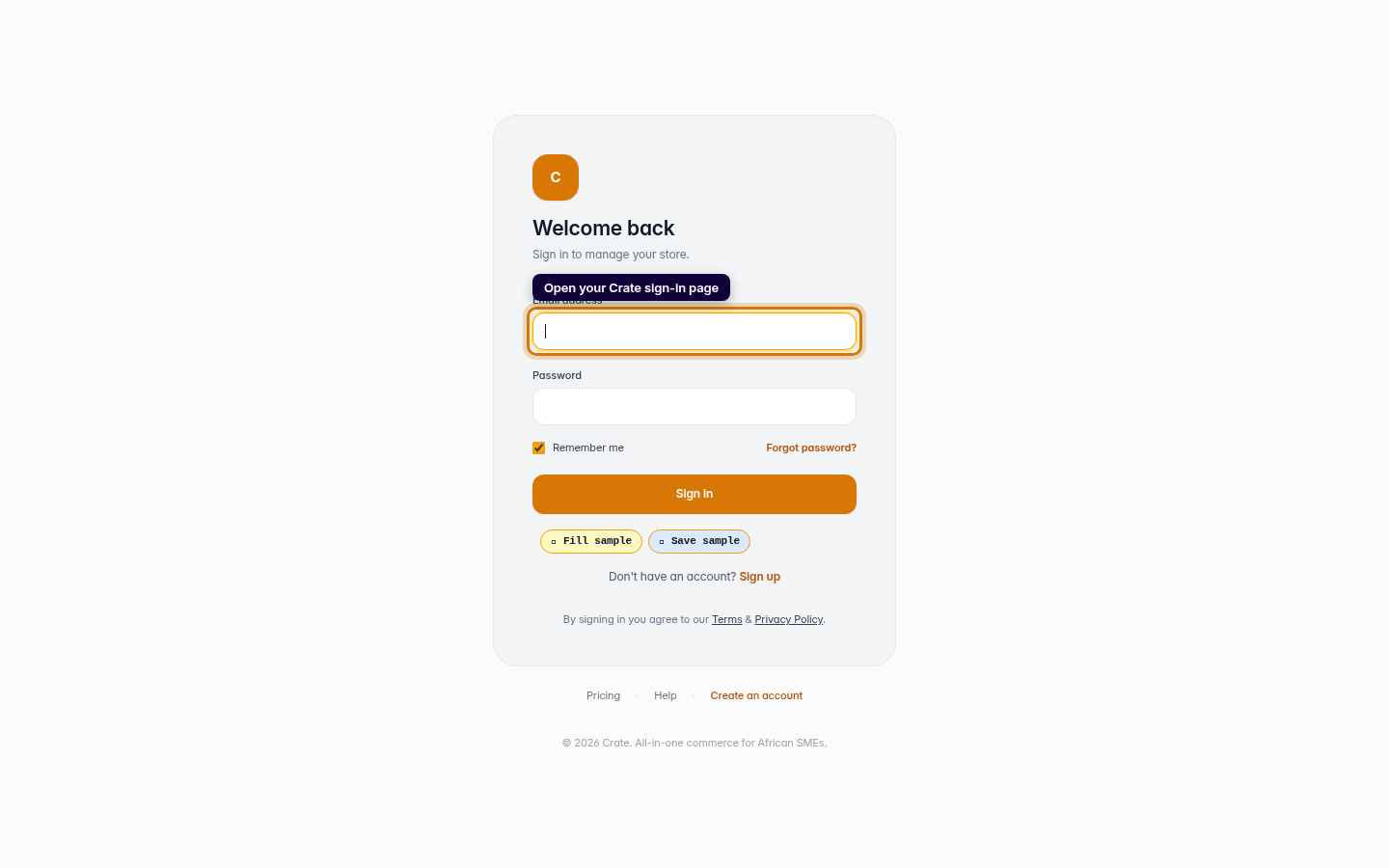
Open the sign-in page
Go to your Crate sign-in page and you'll land on the Welcome back card. This is where you access everything — products, orders, payments and your storefront.
Web 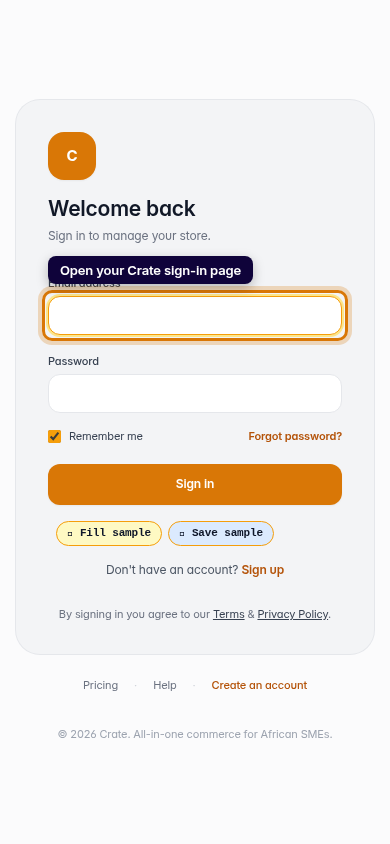
Mobile -
2
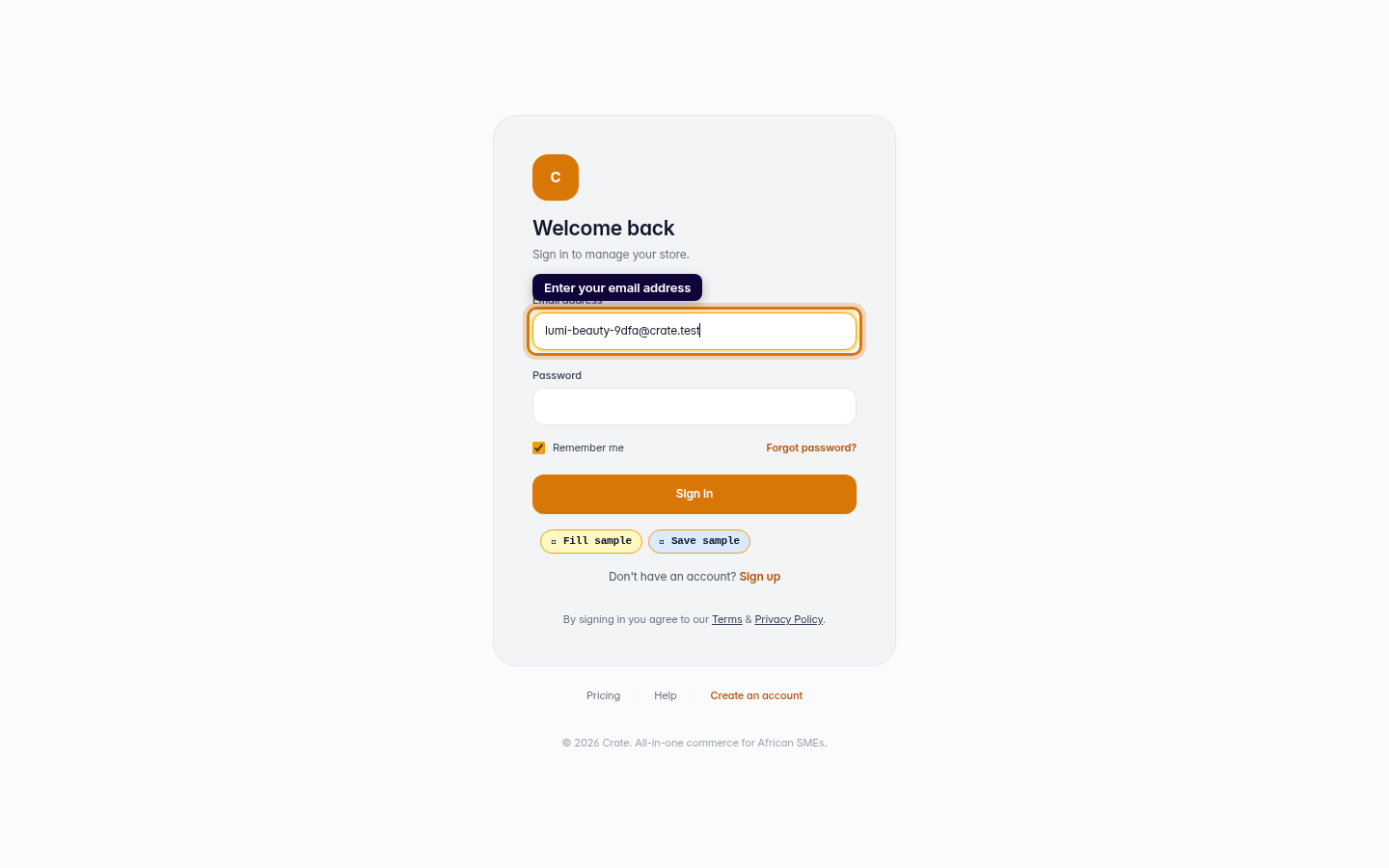
Enter your email address
Type the email address you signed up with. It's the address every Crate notification and receipt is sent to, so make sure it's the right one.
Web -
3
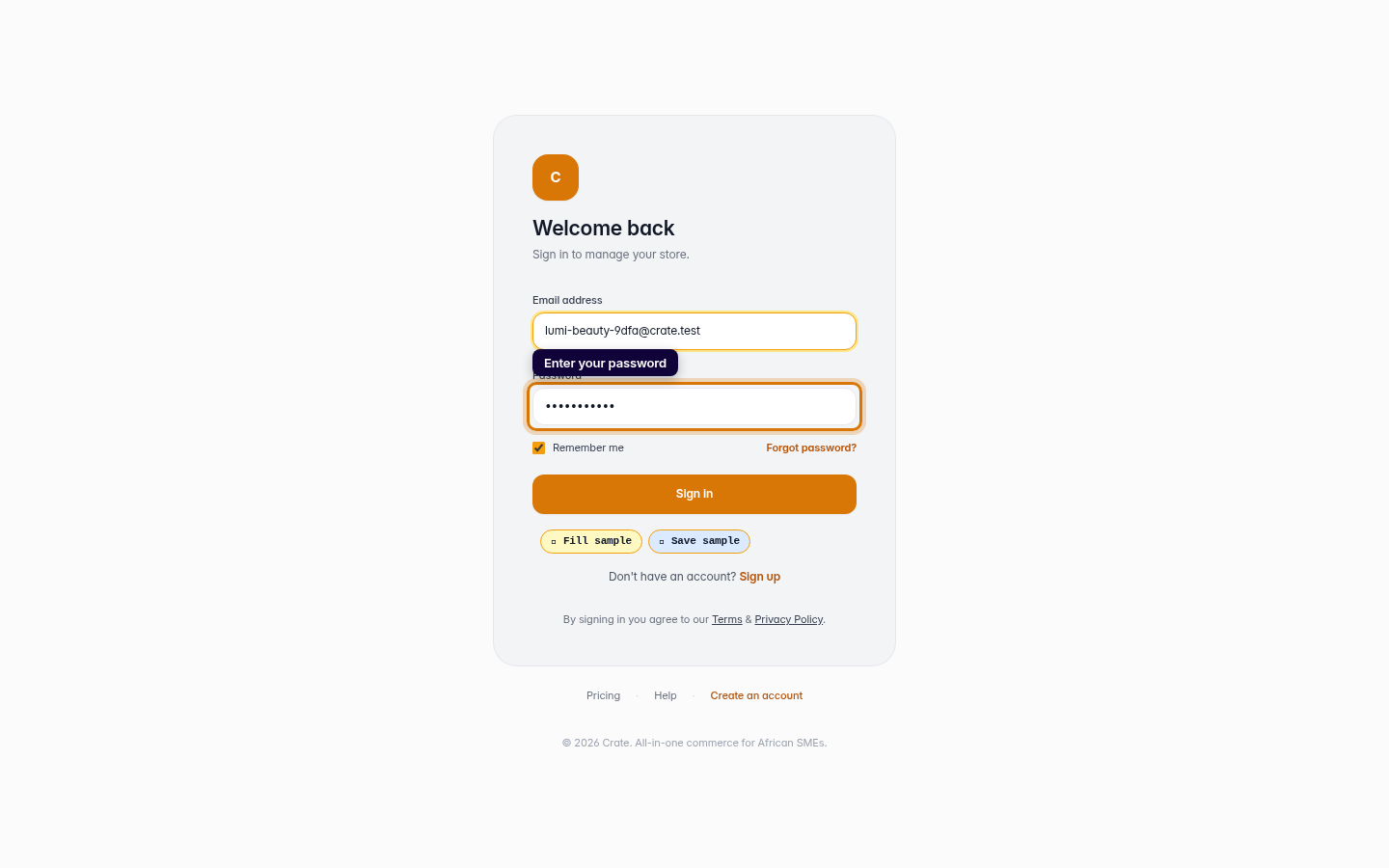
Enter your password
Type your password. Leave Remember me ticked on your own device so Crate keeps you signed in next time.
Web -
4
Sign in
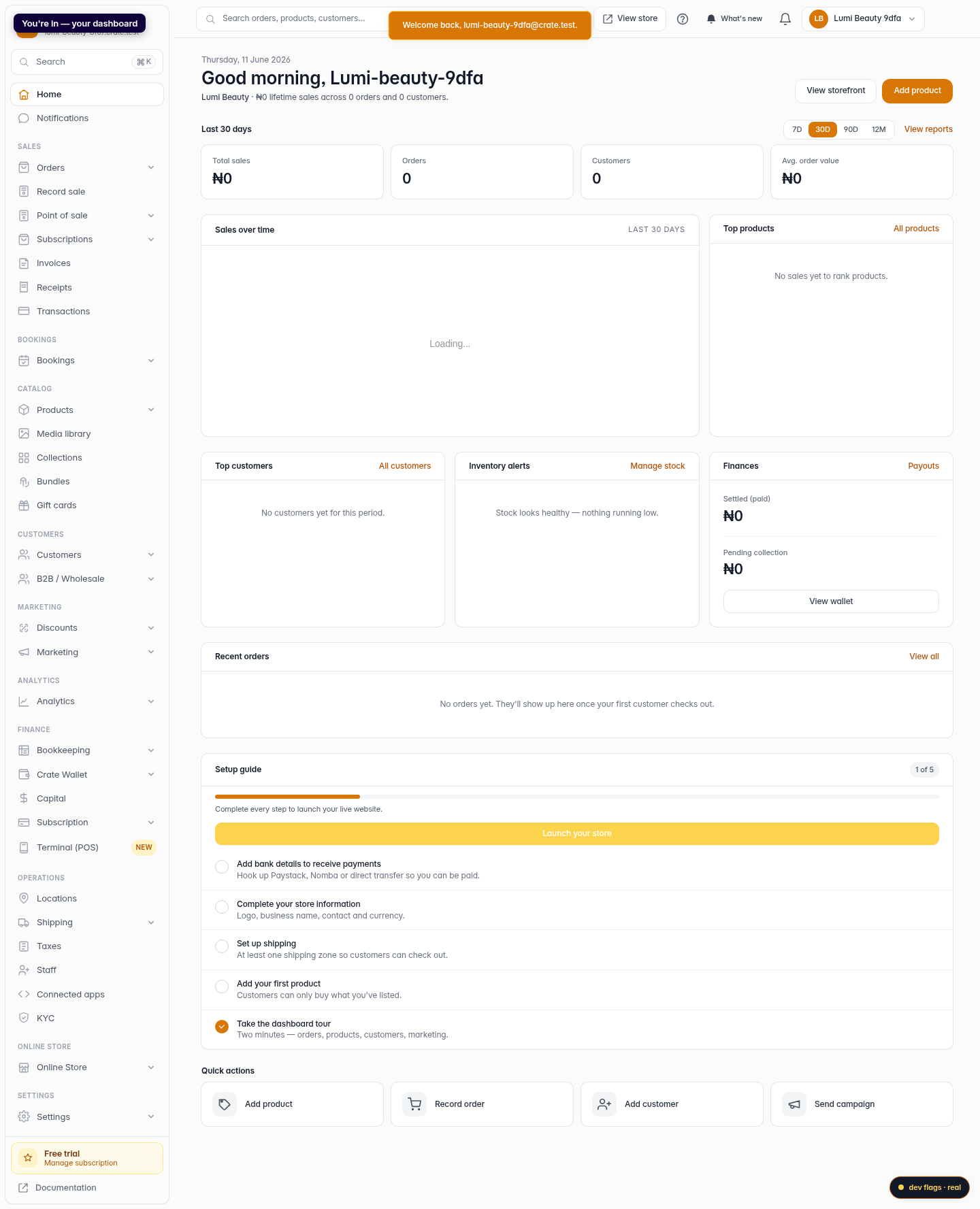
Click Sign in. Crate welcomes you back and drops you straight onto your dashboard.
Web 
Mobile