Email your newsletter subscribers
Send one broadcast to everyone who signed up through your storefront. Write a subject and body, and Crate queues it to every verified subscriber at once — perfect for a launch or a sale announcement.
Your newsletter subscribers raised their hand — they signed up on your storefront because they want to hear from you. A broadcast is the fastest way to reach them: one email, written once, delivered to every verified subscriber at the same time.
Broadcast vs. campaign
A newsletter broadcast goes to people who opted in through a storefront form (your inline newsletter section or popup). A campaign, by contrast, targets customers who've ordered from you. Use a broadcast for your subscriber list; use a campaign to re-engage past buyers.
Before you start
Broadcasts only reach verified subscribers — Crate shows the exact count at the top of the form. If you have no subscribers yet, add a Newsletter Popup to your storefront to start capturing emails.
Tip: Both Subject and Body are required. Crate won't send an empty broadcast — if you leave either blank, it'll prompt you to fill it in before sending.
Write to land in the inbox
- Keep the subject short and specific — under ~50 characters opens best.
- Use
{{first_name}}to greet each subscriber by name. - Skip ALL-CAPS and spammy wording; it trips spam filters.
- Plain text or simple HTML both work, and links are fine.
What happens after you send
Crate asks you to confirm the recipient count — a quick guard against an accidental send — then queues the email for every verified subscriber and drops you back on the subscriber list with a confirmation of how many it reached.
-
1
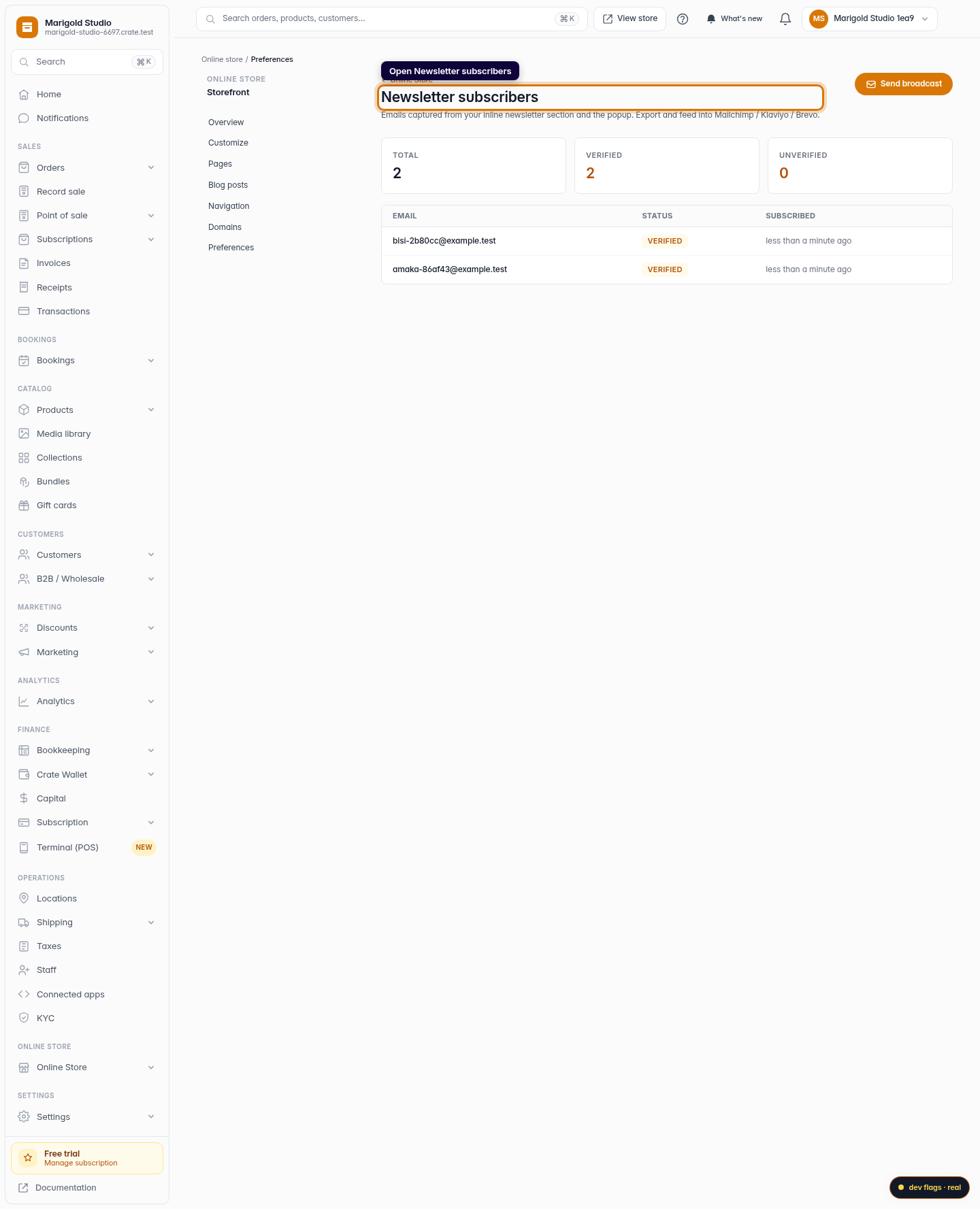
Open Newsletter subscribers
From the dashboard, go to Marketing → Newsletter. This is the list of everyone who opted in through your storefront's newsletter section or popup.
Web -
2
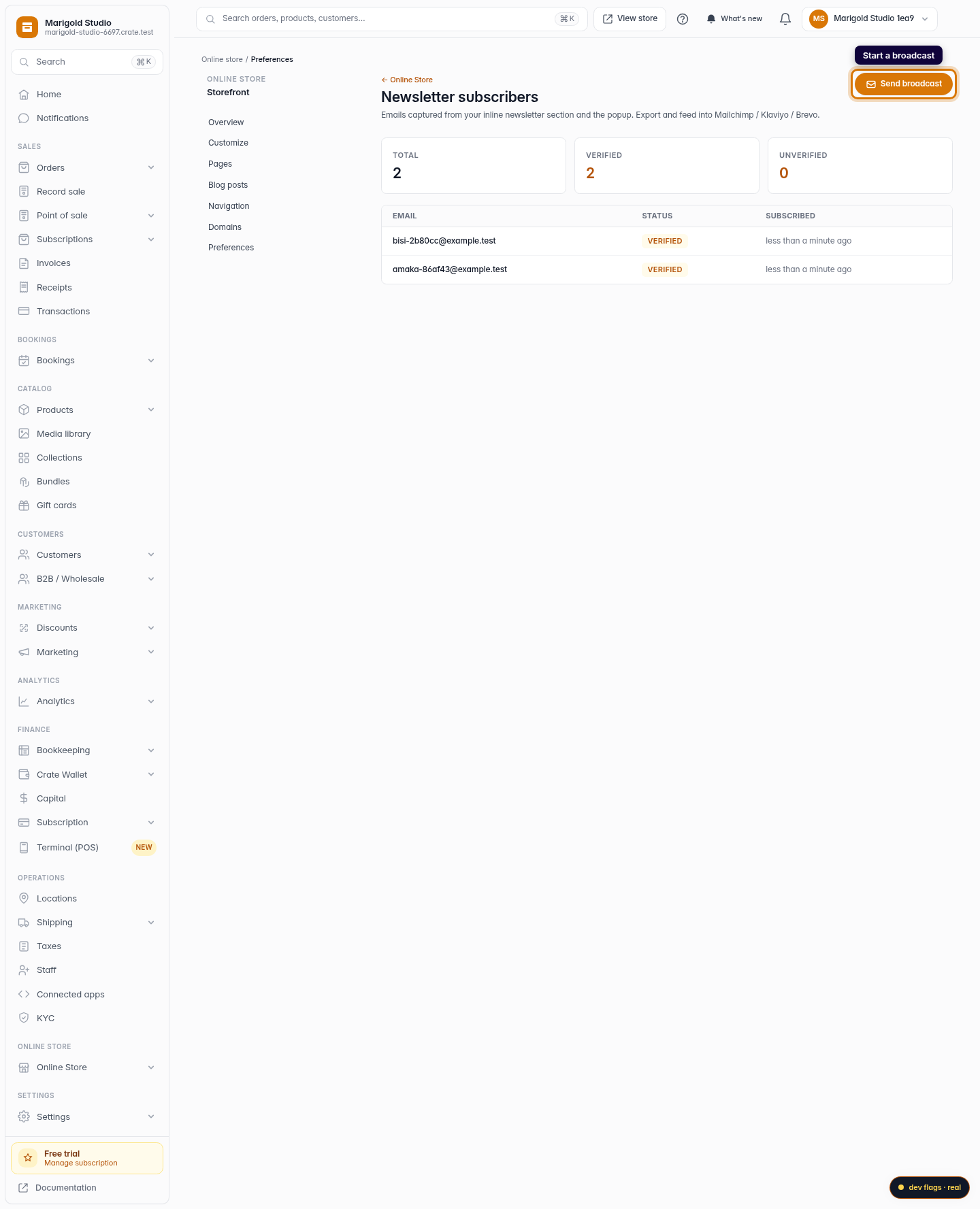
Start a broadcast
Click Send broadcast in the top-right corner. A broadcast is one email that goes to every verified subscriber at once.
Web -
3
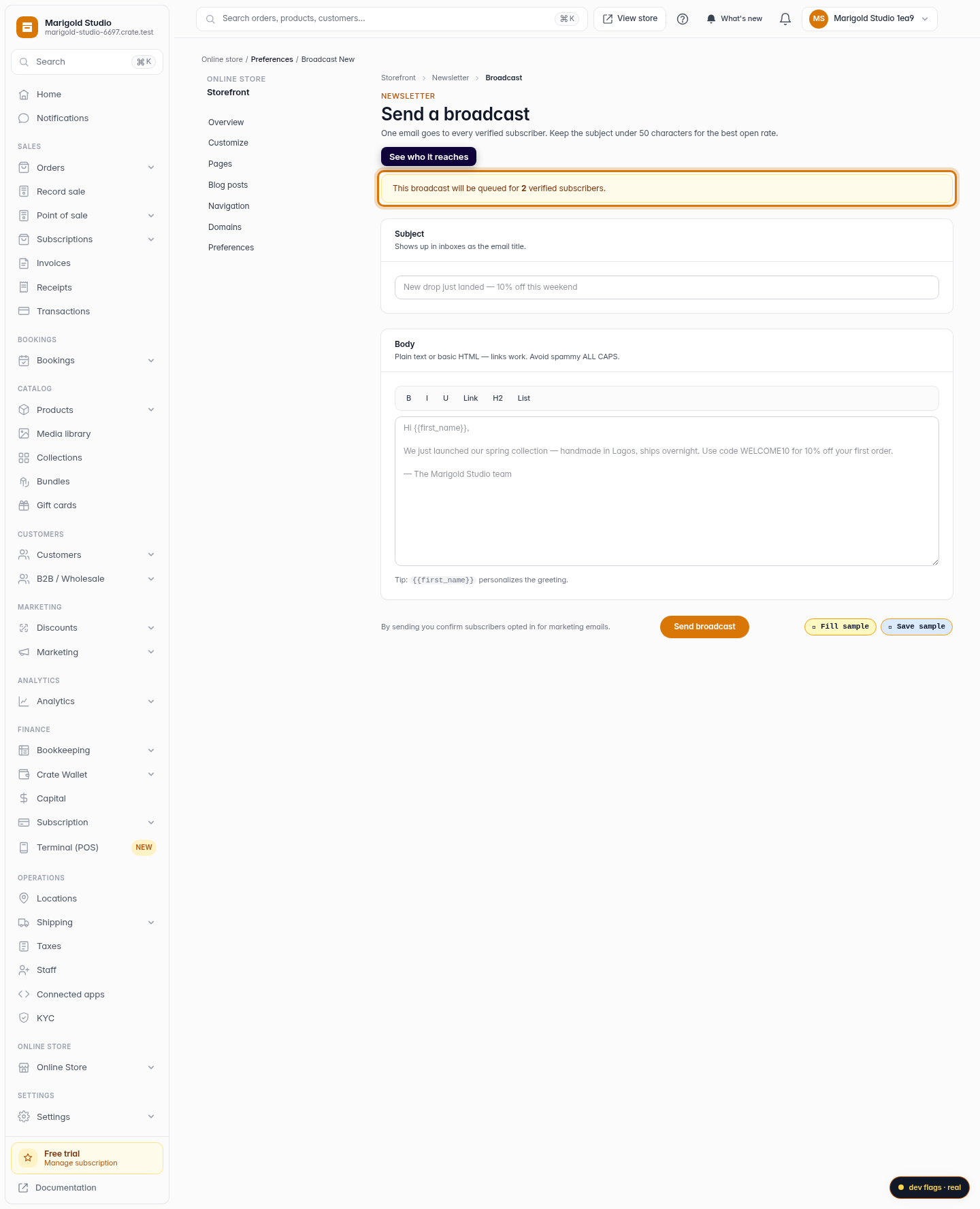
See who it reaches
At the top of the broadcast form, Crate confirms exactly how many verified subscribers will receive this email, so you know the size of your audience before you write a word.
Web -
4
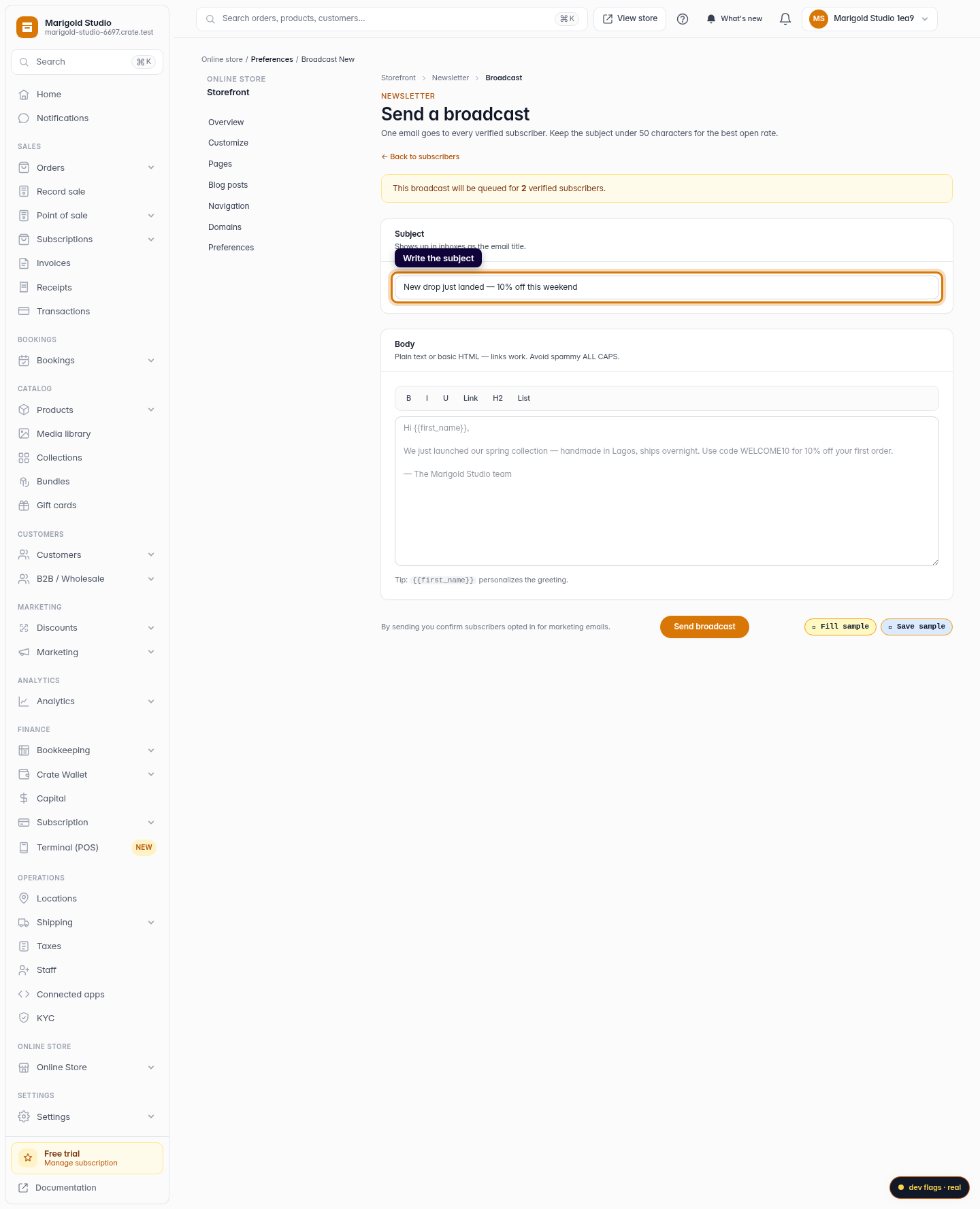
Write the subject
Enter a subject line — it's the email's title in the inbox. Keep it under about 50 characters for the best open rate, like New drop just landed — 10% off this weekend.
Web -
5
Write the body
Write your message in the Body field. Plain text or basic HTML both work, and links are fine. Personalise the greeting with
{{first_name}}. Avoid ALL-CAPS and spammy phrasing so your email lands in the inbox, not the spam folder.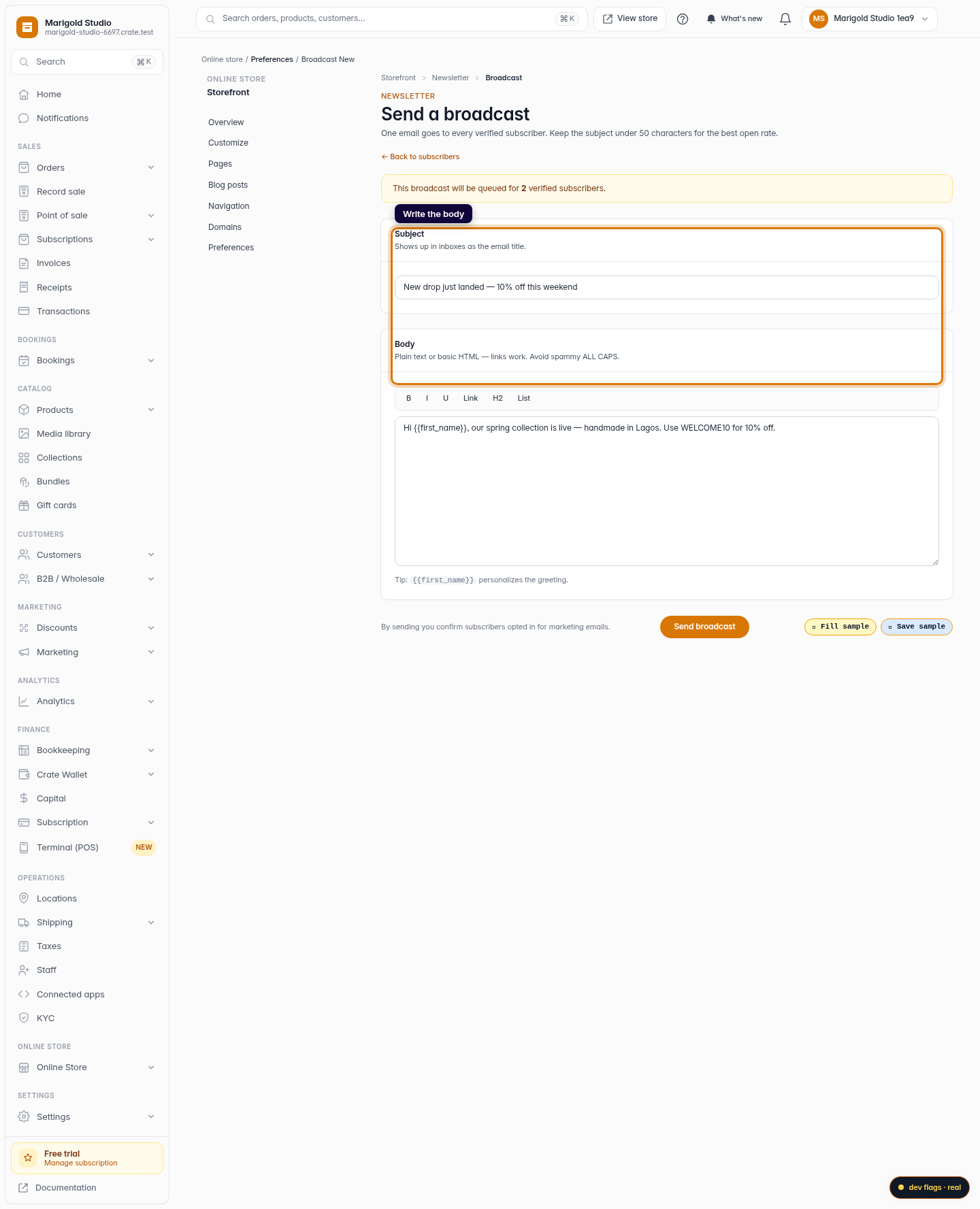
Web -
6
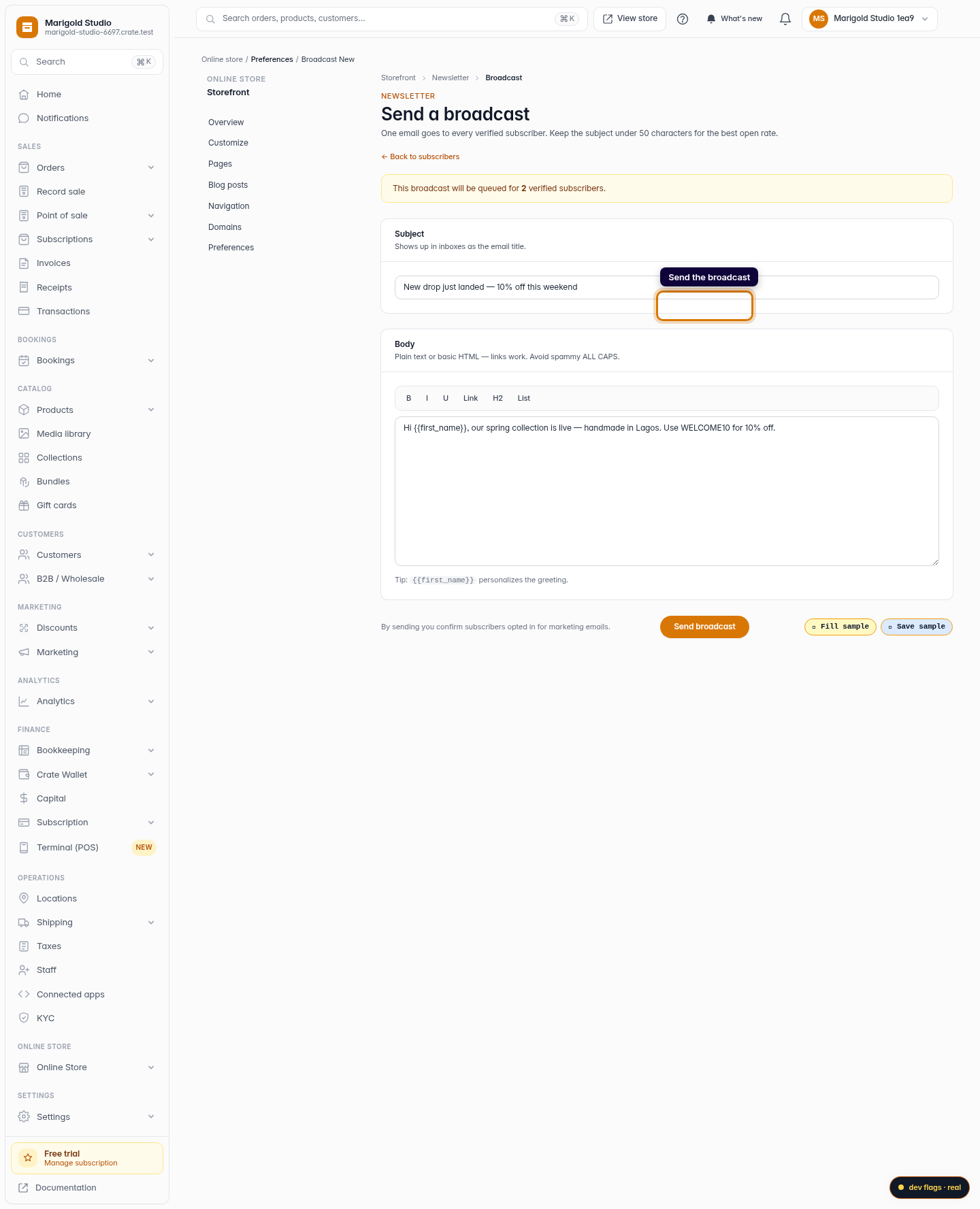
Send the broadcast
Click Send broadcast. Crate asks you to confirm the recipient count, then queues the email to every verified subscriber and returns you to the list with a confirmation.
Web